Search results for tag #macos
![[?]](https://mastodon.tomodori.net/system/accounts/avatars/115/312/380/337/748/146/original/3d81bc18d653d64c.png)
one of the most ridiculous bugs macOS has had for 7+ years running: a minute or two after a sound has played, the internal preamps produce a click/pop noise. i first noticed it in Mojave, and it's *still* plaguing my machines in Monterey.
if you hear a little click/pop randomly from your speakers or headphones, try out macClickFixus
https://github.com/d-velopment/macClick/raw/main/macOSClickFixusApp.zip
![[?]](https://bunnymotorsports.com/system/accounts/avatars/117/198/410/344/608/922/original/bed9536aa64dc22d.png)
Wondering why #LibreOffice on #macOS is reporting that 26.2 is up to date when 26.8 was just released.
cc: @libreoffice

Alt...
Screenshot of Check for Updates dialog box showing that LibreOffice 26.2 is up to date
![[?]](https://assets.oldbytes.space/assets.oldbytes.space/accounts/avatars/114/416/081/618/354/475/original/acde538508d5c5a6.jpg)
Darling is "a translation layer that lets you run macOS software on Linux", think Wine for macOS. It's still experimental and incomplete but promising.
![[?]](https://media.infosec.exchange/infosec.exchange/accounts/avatars/109/309/173/297/578/448/original/5689c30c6e4d3bc4.png)
RE: https://libretooth.gr/@huskerdu/117189873395191008
Can we just admit the whole law is unworkable and worthless.
How much of Windows and MacOS runs on Open Source software?
#ageverification #linux #windows #apple #ios #macos #microsoft #opensource
An dieser Stelle nun etwas frei nach einem gewissen Neil Armstrong:
„Das ist ein kleiner Schritt für einen Menschen, aber ein großer Sprung für die Menschheit!“
Ein paar Augenblicke, um den freien und dezentralen Messenger #DeltaChat in Betrieb zu nehmen. Im Beispiel mit einem neuen Profil unter Nutzung eines vorhandenen Chatmail-Relays.
➡️ Schritt 1: Download & Installation
Unter https://delta.chat/de/download finden sich Download-Optionen für verschiedene Plattformen: GNU/Linux, Android, iOS, macOS, Windows und auch Ubuntu Touch. Wer unter Android das freie Repository F-Droid bevorzugt, wird fündig. In dubiosen proprietären App-Stores ist #DeltaChat notfalls auch vertreten. Herunterladen und installieren wie gewohnt.
➡️ Schritt 2: Inbetriebnahme, Profil einrichten
Bei einer frischen Installation ohne Profil wird #DeltaChat direkt fragen, ob man ein neues Profil erstellen oder ein vorhandenes einrichten will. Wähle in diesem Beispiel "Neues Profil erstellen". Nun kannst Du einen Namen festlegen, unter dem Dich Deine Kontakte kennen (oder kennen lernen), auch ein Profilbild. Dieser Name muß nicht eindeutig sein und läßt sich jederzeit ändern. Wenn Du das voreingestellte Chatmail-Relay nine.testrun.org nutzen willst, bist Du nach einem Klick auf "Profil erstellen" schon fertig.
➡️ Schritt 3: Kontakte einrichten
Da #DeltaChat ein dezentraler und anonym zu nutzender Messenger ist, existieren zwangsläufig keine zentralen oder sonstwie öffentlichen Verzeichnisse von anderen Nutzenden. Privatsphäre und so.
Wenn man sich gerade direkt in die Augen schaut, können sich diese Menschen via Anzeige eines QR-Codes und Scannen desselbigen verknüpfen. Okay, den technischen Part sollten die Geräte übernehmen. Easy.
In anderem Fall kann man sich über den Austausch eines Links verknüpfen.
Dann kann es auch schon losgehen mit der Chatterei.
ℹ️ Und nun noch ein wenig mehr Informationen. Hintergrund und so.
▪️ Chatmail-Relays sind spezialisierte Mailserver, die die Zwischenspeicherung von Nachrichten übernehmen, wenn ein Gerät gerade offline ist. Diese Relays werden gern durch Spenden finanziert. Man kann auch ein eigenes Relay aufsetzen oder eine IMAP-Box für diesen Zweck verwenden.
Hier eine Übersicht: https://chatmail.at/relays
nine.testrun.org ist die Vorgabe für viele Chatmail-Applikationen.
https://nine.testrun.org/
In Deutschland gehostet ist z.B. chat.adminforge.de.
https://chat.adminforge.de/
Auf diesen Chatmail-Relays erhält ein Profil eine interne E-Mail-Adresse und es wird etwas Speicherplatz vorgehalten für die erwähnte Zwischenspeicherung von Nachrichten (im Beispiel nine.testrun.org 700 MiB, chat.adminforge.de 500 MiB).
Man kann auch mehr als Relay mit einem Profil verbinden. Nachrichten werden dann auf allen Relays empfangen. Zum Senden wählt man ein aktives Relay aus.
▪️ Die eigentliche Speicherung Deiner Nachrichten passiert auf Deinem Endgerät. Hin und wieder eine Sicherung durchführen, empfiehlt sich daher nicht nur hier.
▪️ Zweitgeräte hinzufügen geht direkt aus der Erstinstallation. Beide Geräte müssen sich im selben Netzwerk aufhalten (also z.B. im heimischen WLAN). Auf dem neuen Gerät wird dann kein neues Profil erzeugt, sondern das vorhandene Profil über "Zweitgerät hinzufügen" verknüpft. Das erste Gerät zeigt hierzu einen QR-Code an, den das zweite Gerät scannt. Im Anschluß synchronisieren sich die beiden. Danach sind beide Installationen gleichwertig und unabhängig voneinander. Wenn ein QR-Code-Scannen nicht möglich ist, kann man einen Code in die Zwischenablage kopieren. Praxistipp: Richte #DeltaChat erst am PC ein und scanne dann vom Smartphone. Wird meist einfacher sein.
▪️ Weitere Profile kann man nach Bedarf einfach in #DeltaChat hinzufügen.
▪️ Grundsätzlich schadet es nie, durch die Einstellungen zu gehen und für die eigenen Vorlieben anzupassen.
Übrigens, man kann den Kontakten auf dem eigenen Gerät einen eigenen Namen vergeben, wenn man will.
Viel Spaß mit einem dezentralen Messenger aus Europa, der übrigens als "Open Source" entwickelt wird.
👉 DeltaChat im Web: https://delta.chat/de/
👉 DeltaChat im Fediverse: https://chaos.social/@delta bzw. @delta@chaos.social
#DeltaChat #Delta #Chat #Messenger #InstantMessaging #Chatmail
#GNU #Linux #Android #iOS #macOS #Windows #Ubuntu
#Web #Fediverse
![[?]](https://files.mastodon.social/accounts/avatars/115/742/434/865/105/205/original/ba2fa15026c28d18.jpeg)
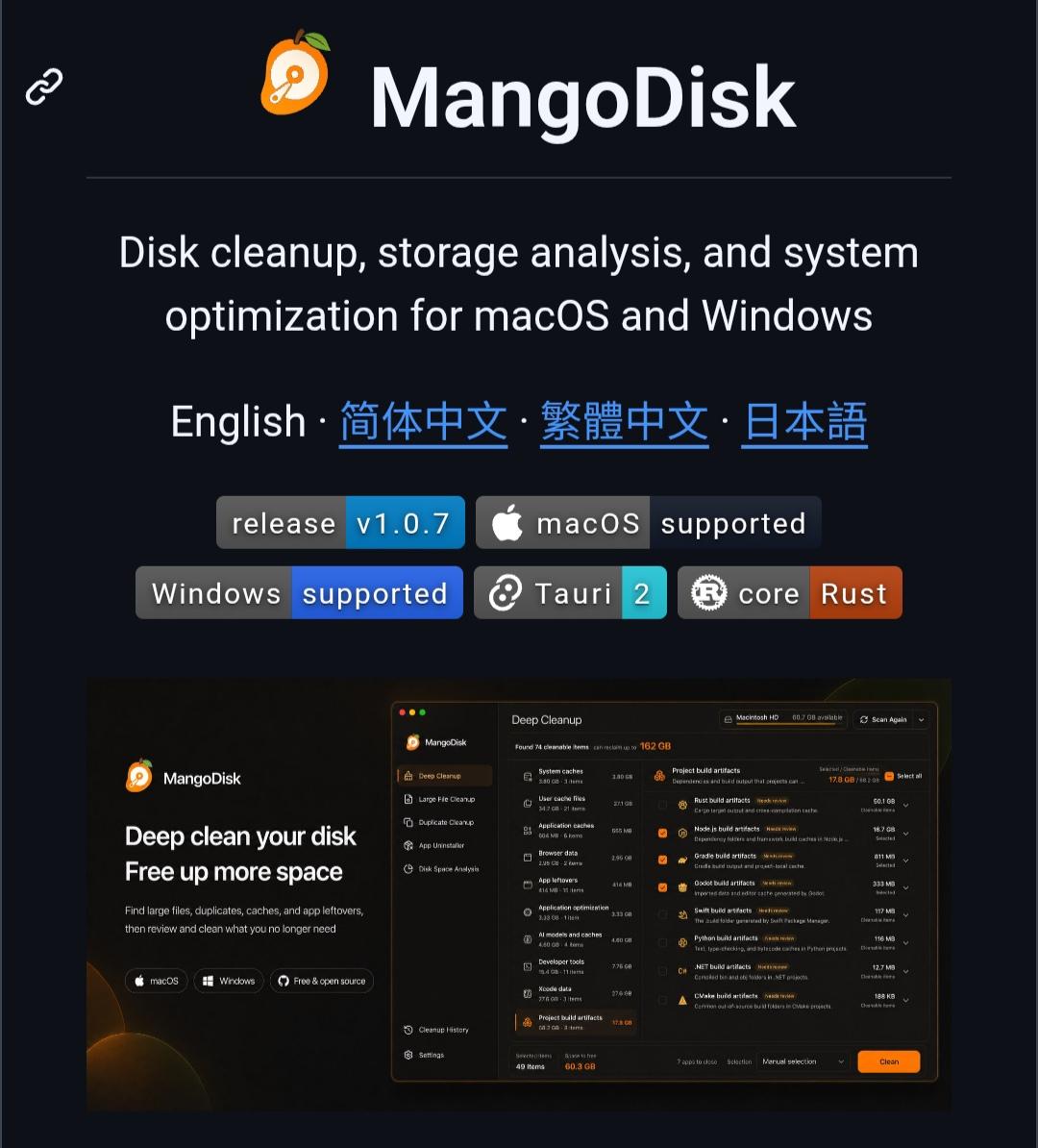
MangoDisk is an open-source disk cleanup and storage analysis tool for Windows and macOS.
It can find large and duplicate files, caches, app leftovers, developer files, and even local AI models taking up space.
It also includes an app uninstaller, startup manager, disk usage analysis, system optimization, and a CLI.
More details & alternatives: https://digitalescapetools.com/tools/tool.html?id=mangodisk
#OpenSource #Windows #macOS #FOSS #Privacy
Alt...
Screenshot of the MangoDisk website showing its disk cleanup, storage analysis, and system optimization features for macOS and Windows. It displays version 1.0.7, macOS and Windows support, and a large cleanup interface for finding large files, duplicates, caches, app leftovers, and project build artifacts.
![[?]](https://media.mastodon.de/accounts/avatars/116/172/905/014/578/882/original/4e2d3b525b2a2902.png)
@snap here, have another flyer to help you in your quest 👏👏👏
EDIT: fix typo in flyer
#DeltaChat #decentralization #privacy #linux #macos #ios #android #windows #software #encryption #communication #activism #flyer #poster

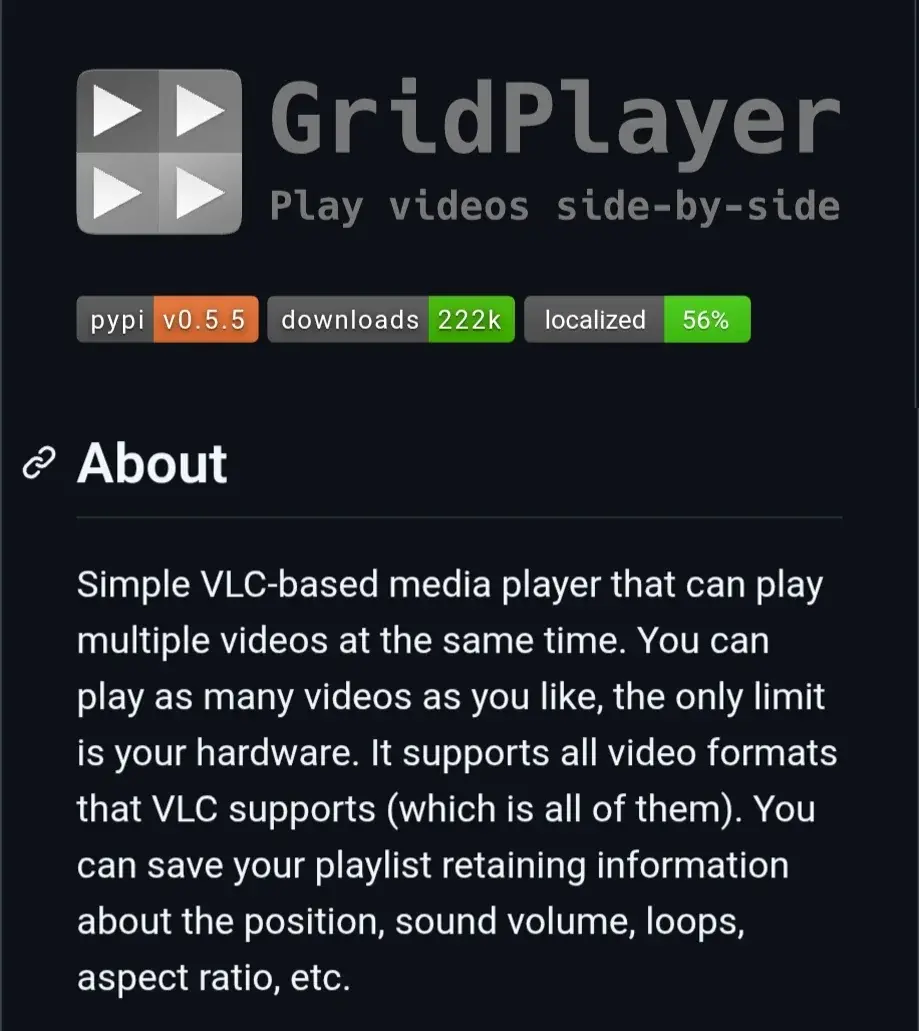
GridPlayer is an open-source VLC-based media player that lets you play multiple videos at the same time in a customizable grid.
It supports Windows, Linux, and macOS, with hardware acceleration, streaming URLs, playlists, and a wide range of media formats.
More details: https://digitalescapetools.com/tools/tool.html?id=gridplayer
#OpenSource #MediaPlayer #VLC #Linux #Windows #macOS
Alt...
GridPlayer project page showing its logo, version and download statistics, with a description of the VLC-based media player for playing multiple videos simultaneously.

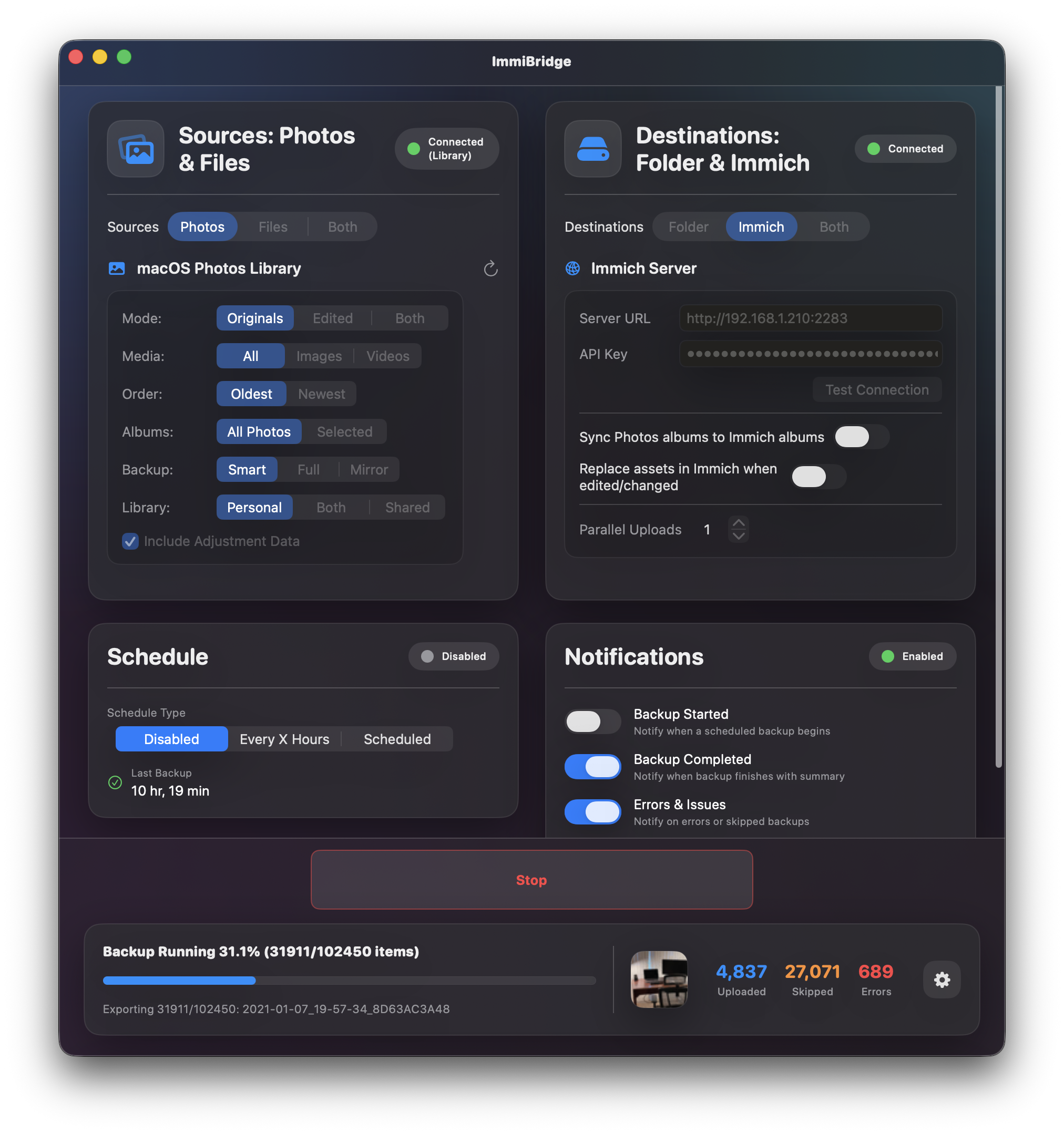
ImmiBridge is an open-source macOS app for backing up your Apple Photos library to local folders or a self-hosted Immich server.
It supports incremental, full, and mirror backups, Live Photos, iCloud downloads, scheduled backups, and album/date filtering.
A useful option for Apple users who want more control over their photo backups and less reliance on Apple's ecosystem.
More details: https://digitalescapetools.com/tools/tool.html?id=immibridge
#OpenSource #SelfHosted #Immich #Privacy #macOS
Alt...
ImmiBridge project page showing its logo, MIT license, macOS 12+ support, and a description of backing up an Apple Photos library to a local folder or an Immich server.
Alt...
ImmiBridge macOS app interface showing Apple Photos as the source and an Immich server as the destination, with backup options, scheduling, notifications, and backup progress statistics.
![[?]](https://cdn.masto.host/mastodongamedevplace/accounts/avatars/109/859/285/072/781/117/original/52b616f54f20c98f.png)
I know there are people that love iOS and people that love Linux but does anyone really love MacOS? It's just kind of not fun for casual users and kind of skank for power users. It did have about five minutes of sunshine back around Tiger or Snow Leopard but it's been crustifying ever since...


 🍵
🍵 
![[?]](https://polymaths.social/fileserver/01HCMX6M1CZNEVJ4F5H58TT5XJ/attachment/original/01JHC5KM5K0V0J0436SPD3F86H.jpeg)
#POLL Results:
44 people are in deep denial about their existential dread, and should consult a counselor and read #Kierkegaard immediately 😁
139 people like teh pretty tings, and can't be bothered
188 people have started down the path towards enlightment
354 people are cool_kids
92 people are very_cool_kids
55 people laugh at your inadequate security model
27 people can run a server on a bit of bailing wire and a microcontroller from 1987 — fear them.
26 people are keeping Gassée's dream alive, and are plenny cool in my book
4 people are totally cool, and totally in a class by themselves
and 21 people kinda scare me, but I'd like to know more. 🤣
#humor #humour #houmor #houmour
#Windows #MacOS #Linux #CommandLine #BSD #RunBSD #FreeBSD #OpenBSD #NetBSD #Haiku #HaikuOS #BeOS #Amiga #Workbench #AROS #AmigaOS #Plan9 #9Front #TempleOS
P.S., wherever you find yourself, you're awesome. This is all for fun.
![[?]](https://nbg1.your-objectstorage.com/tno-mastodon/accounts/avatars/111/434/264/745/920/273/original/52ff85db085a2a1d.jpg)
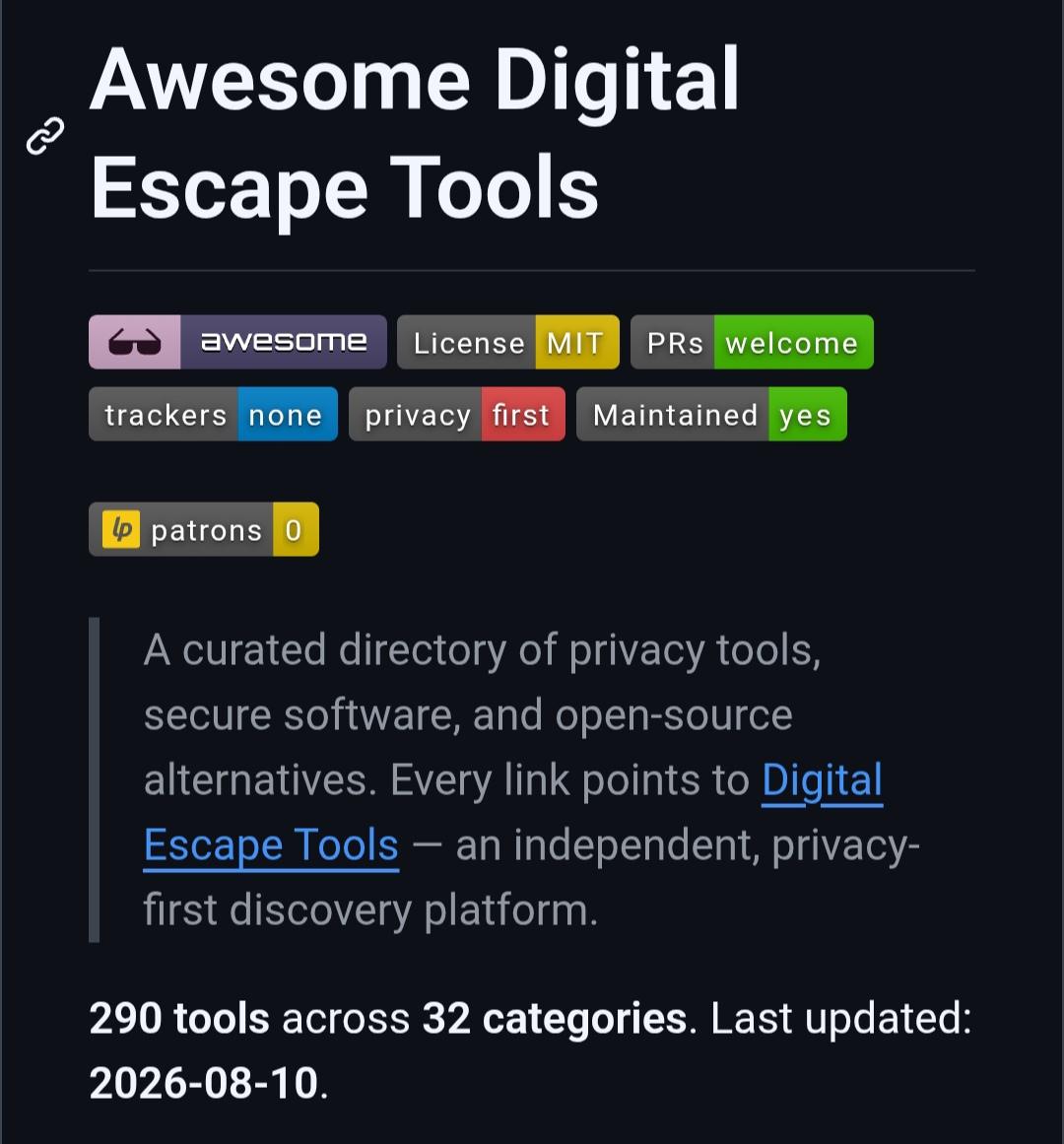
Awesome DigitalEscapeTools keeps growing!
Now featuring 290 privacy-focused tools across 32 categories open-source, self-hosted, secure, and privacy-friendly alternatives.
Built a privacy-respecting tool? Contribute it, and accepted tools will also be showcased in r/DigitalEscapeTools.
⭐ Explore, contribute, or suggest a tool: https://github.com/abdomk1998/awesome-digital-escape-tools
#OpenSource #Privacy #FOSS #SelfHosted #GitHub #PrivacyTools #Linux #Windows #Android #macOS
Alt...
Screenshot of the Awesome Digital Escape Tools GitHub README showing privacy-focused badges and a description of the collection, with 290 tools across 32 categories.
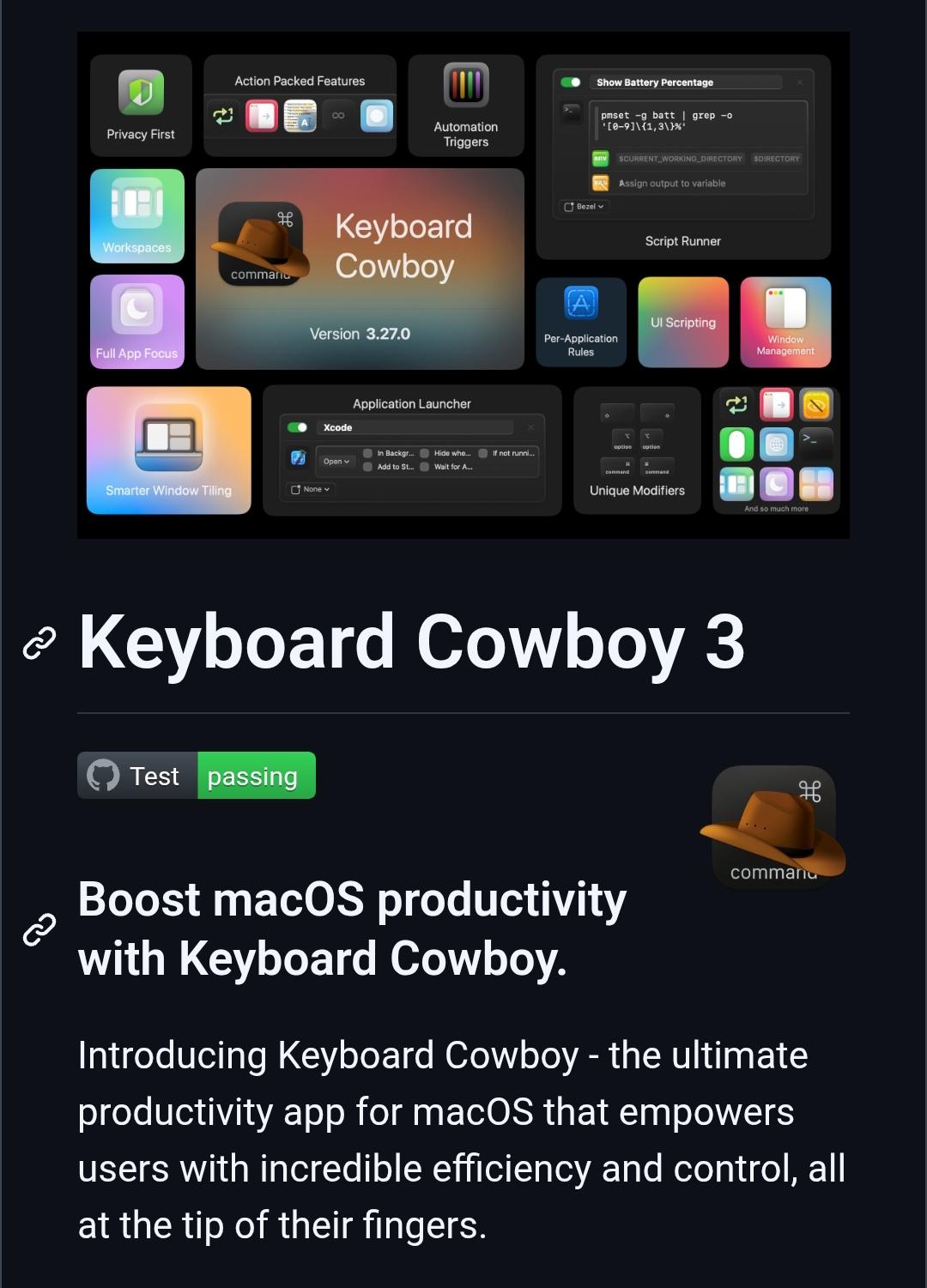
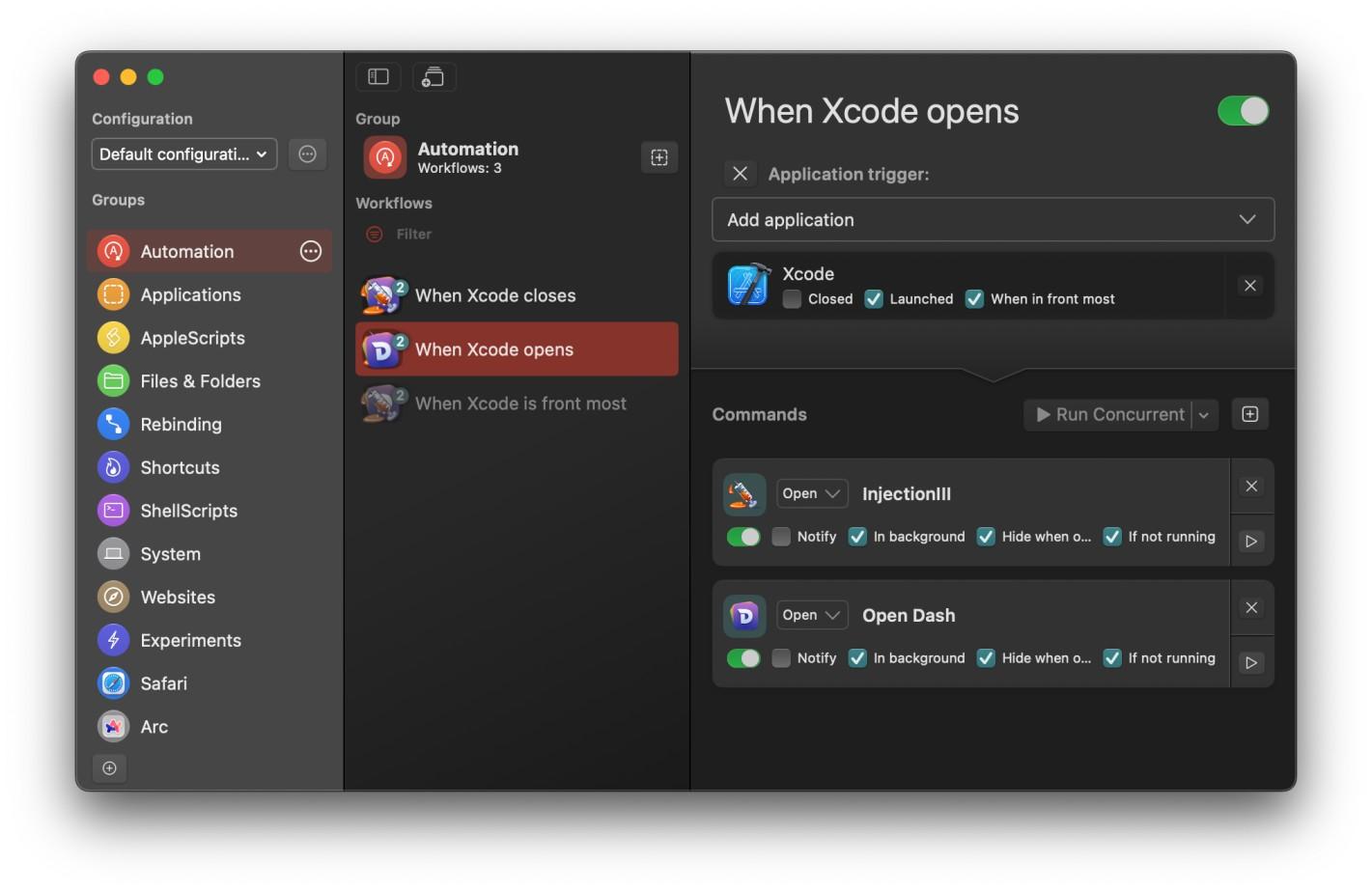
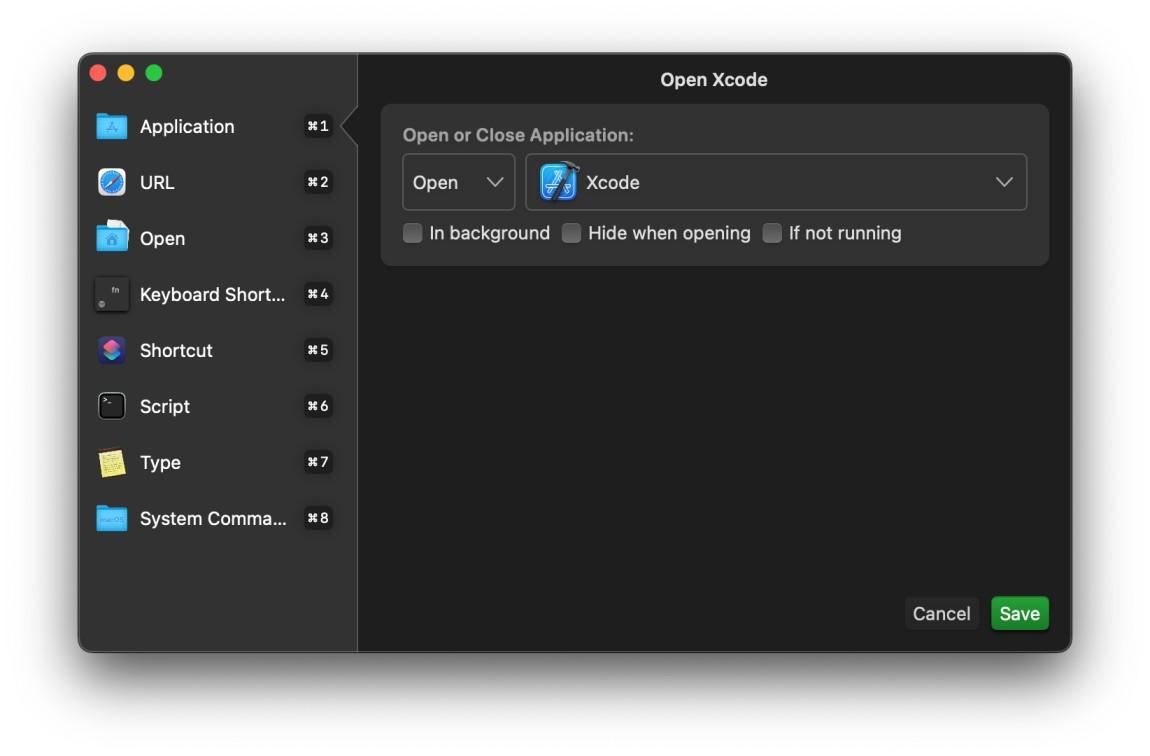
Keyboard Cowboy is an open-source macOS automation tool for creating keyboard shortcuts, app-based triggers, scripts, macros, window actions, and custom workflows.
It runs locally and doesn't collect or send personal data, making it a great option for privacy-conscious Mac users.
More details: https://digitalescapetools.com/tools/tool.html?id=keyboardcowboy
#OpenSource #macOS #Automation #Privacy #FOSS
Alt...
Keyboard Cowboy 3 webpage showing the app’s macOS productivity and automation features, including privacy-first design, automation triggers, script running, application launching, window management, and customizable keyboard modifiers.
Alt...
Keyboard Cowboy automation interface showing workflows triggered by Xcode events, with options to run commands automatically when Xcode opens, closes, or becomes the frontmost application.
Alt...
Keyboard Cowboy action configuration window showing an “Open Xcode” action, with options to open an application in the background, hide it, or only launch it if it isn't already running.
today's thrifting find just reeks of 2005 PowerPC excitement: an issue of Macworld *with* its accompanying coverdisc.
i wonder how many others remember the thrill of new versions of OS X landing at storefronts in the early 2000s.
it was 1.5 years between panther and tiger. these upgrades weren't - what has become - emoji packs and liquid glass polishes. they had major new applications in each release, pressed on DVD and sold at retail.
my university sold Tiger upgrade discs at a huge discount - I want to say I paid around $30 with the educational discount. this got me a little slipcase with the disc, but not the nice retail box.
tiger was, for me, the moment when working in OS X went from "this is cute and nice, but i still use my windows machine for some jobs" to "okay this is what i want to be using daily for the next 10+ years; don't need winxp anymore"
#macOS #vintageApple #macintosh #apple #retrocomputing

Alt...
The front cover of a 2005 issue of Macworld Special Issue: Total Tiger. It shows the mac os x tiger logo (a huge steel X). Articles:
Inside 10.4 - In-depth guide to apple's latest os x update
The complete guide - Spotlight revealed
57 software gems - get the most out of tiger with our favourite add-ons

Alt...
An article about the new feature Dashboard, which shows several widgets on the desktop.

Alt...
An article about the new feature Spotlight, which indexes files on the hard drive and makes them easily searchable.
![[?]](https://m.f-h.co/cosocial-ca/accounts/avatars/109/493/862/422/378/324/original/9b63cd825f07f89d.jpg)
TIL that if you’re on a Mac and go to:
Settings > Apple Account > iCloud > Saved to iCloud
… you’ll discover all sorts of things you don't use shipping this & that off to iCloud without asking you and some of them (Siri, Shortcuts) will regularly consume 100% of a core while so doing. Fortunately, easy to turn off.
![[?]](https://media.bsd.cafe/bsdmmedia01/accounts/avatars/110/740/169/477/916/693/original/dfa8f1b9beefa405.png)
With Apple phasing out AFP in macOS 27 and Time Capsules officially reaching end-of-life, it's time to move network backups to proper SMB.
If you run a FreeBSD server, you can build a fast, rock-solid, and secure Time Machine target powered by ZFS and Samba - neatly isolated inside a FreeBSD jail using Bastille.
https://it-notes.dragas.net/2026/01/28/time-machine-freebsd-jail/
Keep your macOS backups running smoothly via SMBv3 (with full vfs_fruit support) and full dataset quota control on ZFS!
#FreeBSD #macOS #TimeMachine #ZFS #BastilleBSD #Samba #SysAdmin #Backup #OwnYourData #SelfHosted #BSD #RunBSD #OwnYourData
New #blog #post: My Failed Tech Predictions
https://rldane.space/my-failed-tech-predictions.html
1637 words
cc: my wonderful #chorus: @joel @dm @sotolf @thedoctor @pixx @orbitalmartian @adamsdesk @krafter @roguefoam @clayton @giantspacesquid @Twizzay @stfn
(I will happily add/remove you from the chorus upon request! :)
#rlDaneWriting #blost #computing #phones #smartphones #enpoopification #retrocomputing #programming #slop #MacOS #Macintosh #data #InformationAge #SCSI #Mobile #TuringTest #LLM #LLMs #ChatBots
![[?]](https://weredreaming.com/mookie/s/avatar-c033319a3a3d5098e5af08a922200981.png)
for the past few weeks i've been noticing that when my mac pro is left supposedly "asleep" for the night, i often wake up to a hot and toasty machine. once it even got hot enough to crash (overtemp) on wake.
i've been unable to figure out what's keeping it awake until today - thanks to an incredibly well designed macOS-native utility called Sleep Aid
it runs a background process that monitors all other processes that cause the cpu to run *even when the machine is sleeping*.
the worst part is that when many of these macOS background processes run, the machine doesn't go into a full awake mode, which would trigger the fan to run and cycle out the heat. instead, it just slowly heatsoaks the machine overnight.
i finally got some overnight stats on what is causing my mac insomnia, and the results are telling: they're all macOS maintenance jobs that shouldn't be running at all when asleep. thankfully, many of these can be completely disabled by sleep aid itself
super helpful app. no other app does anything like it, or this well:
https://ohanaware.com/sleepaid/

Alt...
A meter showing how many minutes the mac pro was half-awake with insomnia at midnight, running processes like "push notifications" and spotlight indexing for almost 5 minutes.
![[?]](https://media.hachyderm.io/accounts/avatars/109/320/236/213/463/000/original/e340124bbfcf74a7.png)
Has anyone been playing around with macOS 27 (“Golden Gate”) Public Beta 2? How is it for quirks, hitches, stability?
I accidentally upgraded* to macOS 26 last night, everything is bubbly and terrible and I hate it, and I'm willing to consider getting on the beta train this time around.
* not so sure about the “up” part
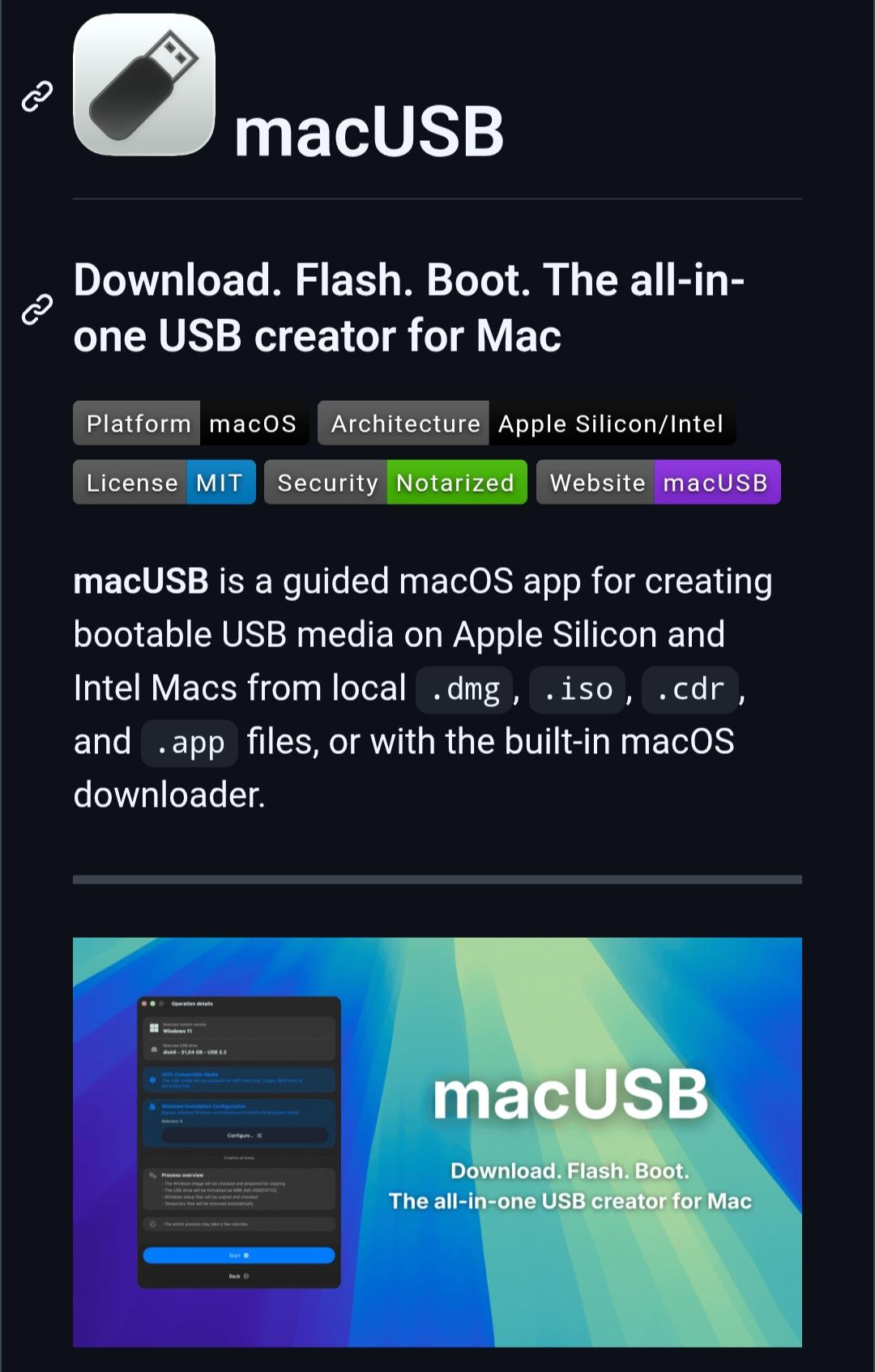
macUSB is a free, open-source utility for creating bootable macOS, Windows, and Linux USB drives directly from your Mac.
It supports Apple Silicon and Intel Macs, includes a built-in macOS downloader, verifies checksums, and makes creating installation media much easier than using Terminal commands.
More details: https://digitalescapetools.com/tools/tool.html?id=macusb
#OpenSource #macOS #Linux #Windows #SelfHosting #Privacy
Alt...
Screenshot of the macUSB homepage showing the app's description, supported Mac architectures, and a preview of its bootable USB creation interface.

Alt...
macOS Full Disk Access settings with macUSB granted permission to access protected files and folders.
Alt...
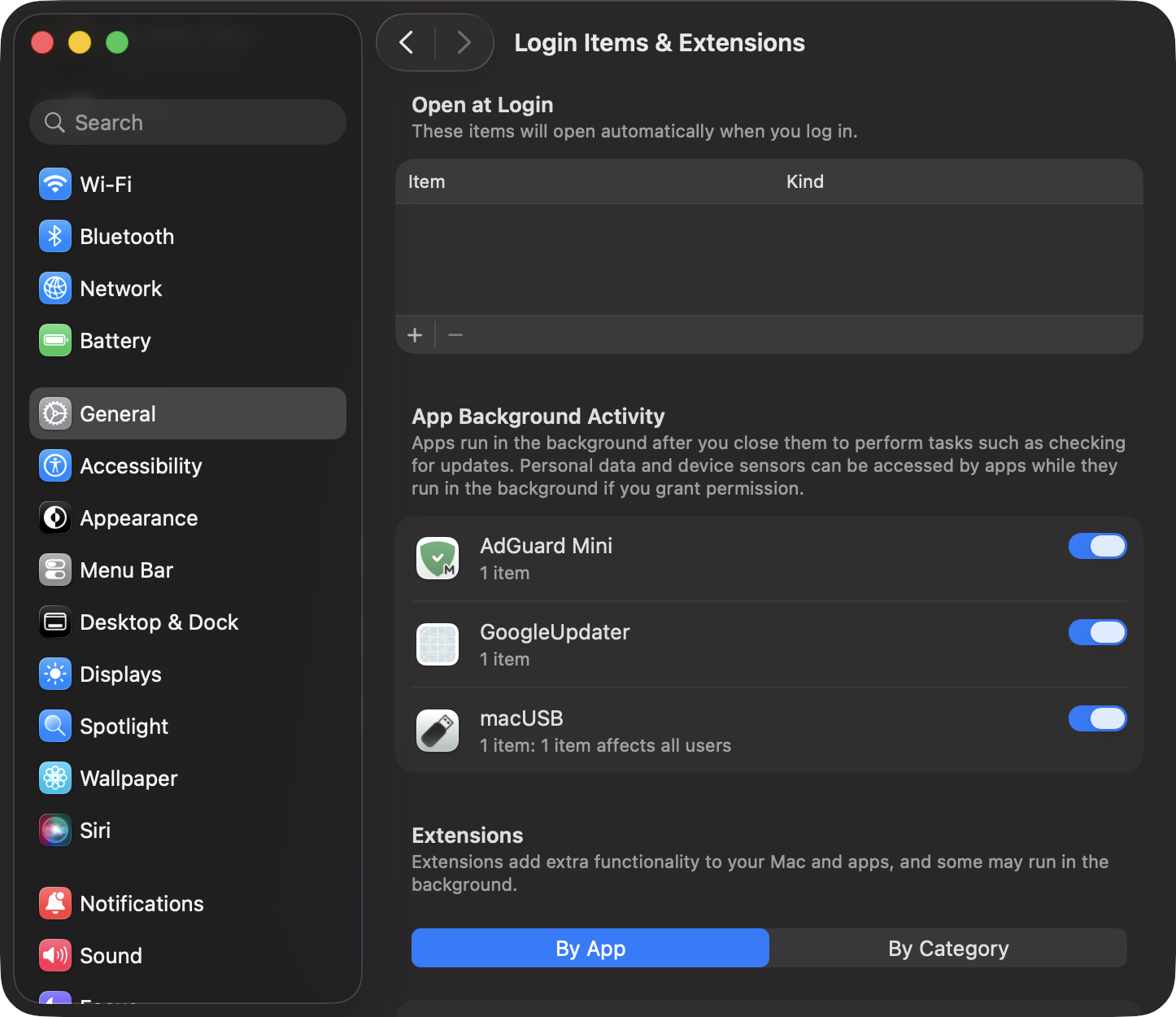
macOS Login Items & Extensions settings showing macUSB enabled to run background tasks.
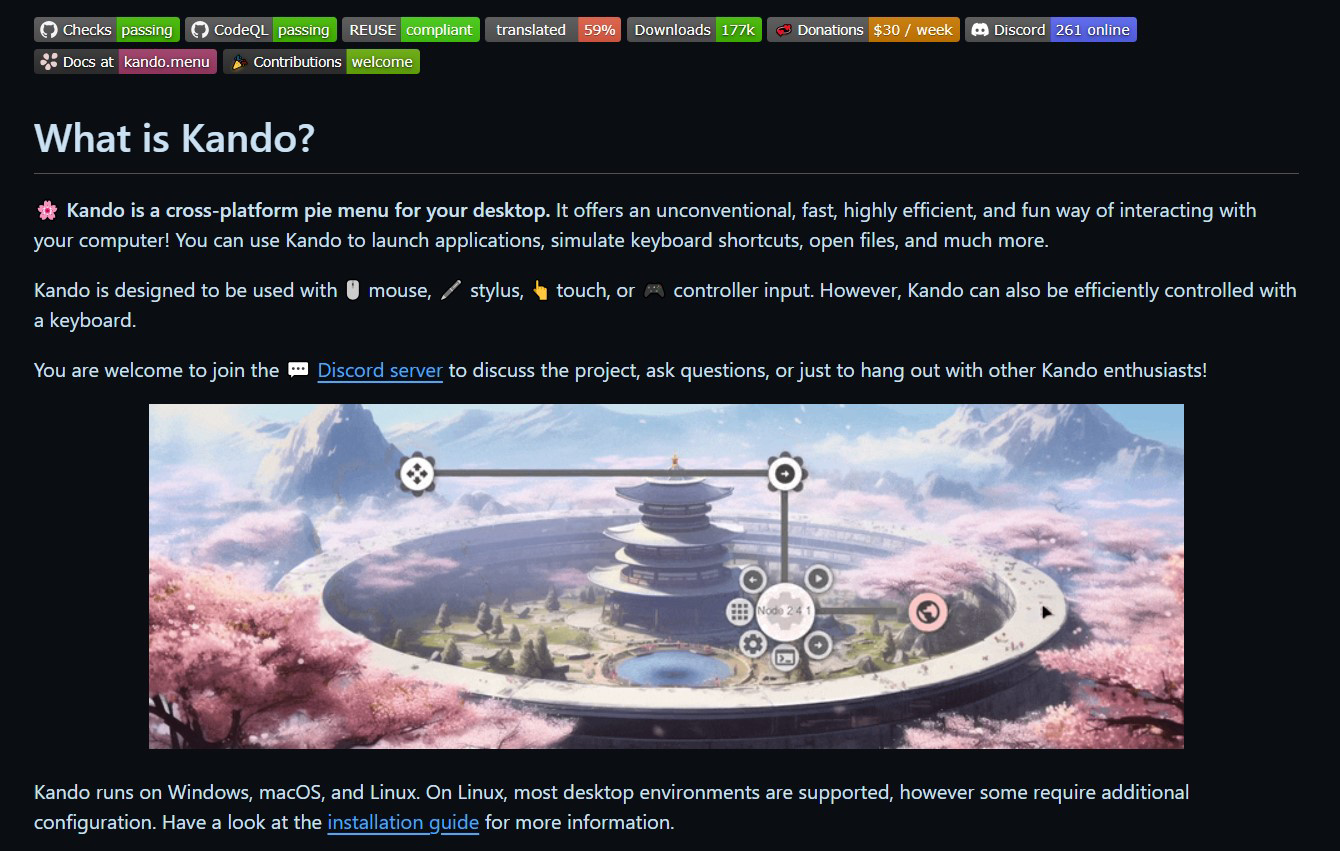
Kando is a free, open-source pie menu that lets you launch apps, files, shortcuts, scripts, and custom actions from a fast, customizable radial menu.
It works on Windows, macOS, and Linux, supports mouse, keyboard, touch, and game controllers, and is a great productivity tool for power users.
More details: https://digitalescapetools.com/tools/tool.html?id=kando
#OpenSource #Productivity #Linux #Windows #macOS #FOSS #PowerUsers #DigitalEscapeTools
Alt...
Screenshot of the Kando project page showing the heading "What is Kando?". The page describes Kando as a cross-platform pie menu for launching applications, opening files, triggering keyboard shortcuts, and other desktop actions. It highlights support for mouse, stylus, touch, game controllers, and keyboard input. Below the description is a large demonstration image of Kando's circular radial menu over a scenic background with a Japanese-style building. The page also notes that Kando runs on Windows, macOS, and Linux, with installation guidance for Linux users.
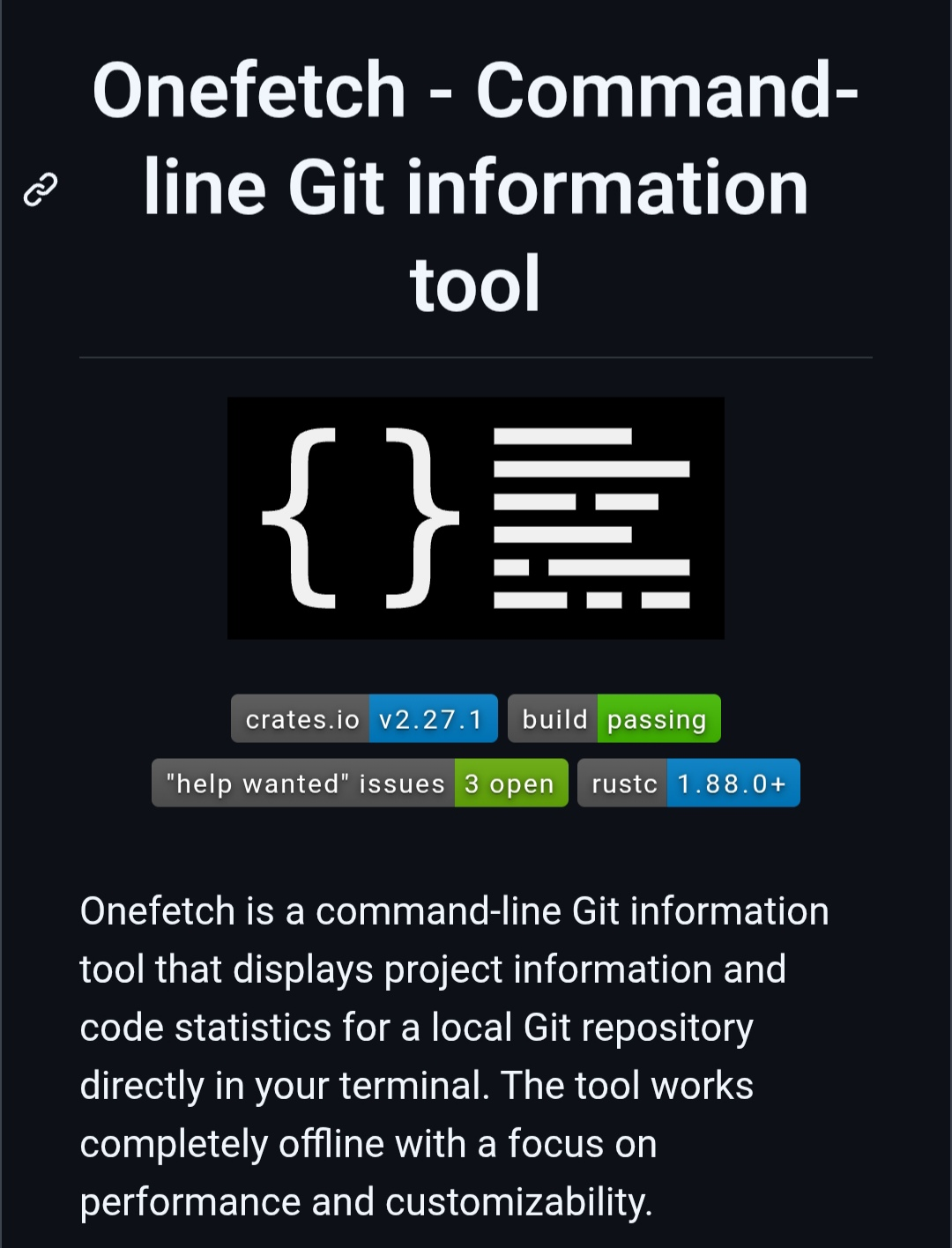
Onefetch is a free, open-source CLI tool that displays Git repository information, including language breakdowns, contributors, project size, dependencies, and more, all while working completely offline.
More details: https://digitalescapetools.com/tools/tool.html?id=onefetch
#OpenSource #Git #CLI #Terminal #DeveloperTools #Linux #macOS #Windows #FOSS
Alt...
Screenshot of the Onefetch tool page describing it as a free, open-source command-line Git repository information tool that displays project statistics, language breakdowns, contributors, and repository metadata directly in the terminal.
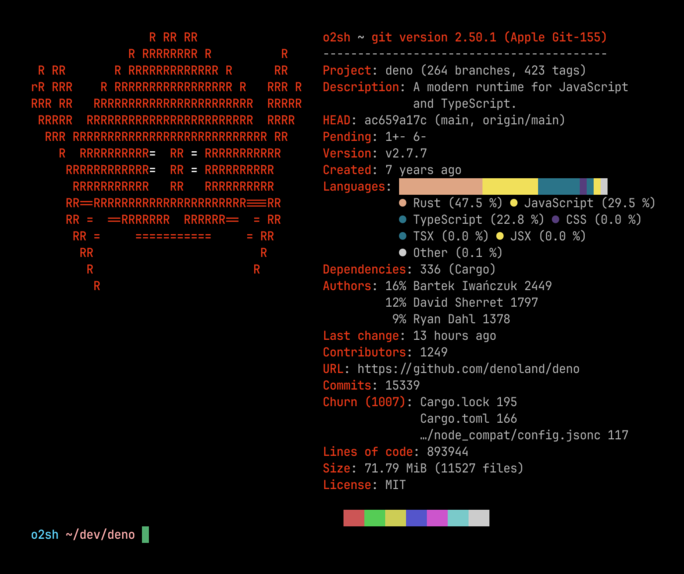
Alt...
Onefetch running in a terminal, displaying detailed statistics for the Deno Git repository, including language distribution, contributors, dependencies, commit count, project size, and repository metadata alongside ASCII art.
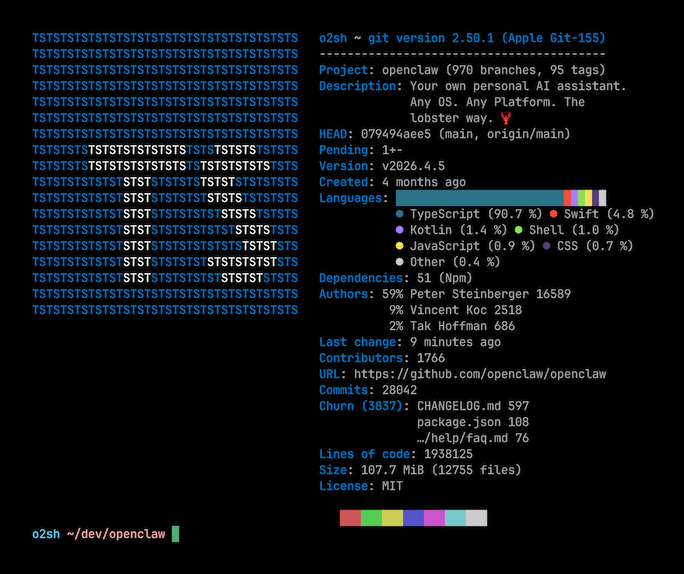
Alt...
Onefetch displaying Git repository information for the OpenClaw project in the terminal, including programming language breakdown, contributors, dependencies, project size, commit statistics, and custom ASCII art.
![[?]](https://files.mastodon.online/accounts/avatars/108/194/885/289/460/137/original/4eb534be2eb6580b.jpg)
Kudu is a free, open-source system cleaner and privacy tool for Windows, macOS, and Linux.
It removes temporary files, browser caches, leftover app data, and includes disk analysis, startup management, secure file deletion, malware scanning, and privacy controls, all without ads or telemetry.
More details: https://digitalescapetools.com/tools/tool.html?id=kudu
#OpenSource #Privacy #SystemCleaner #Windows #Linux #macOS #FOSS
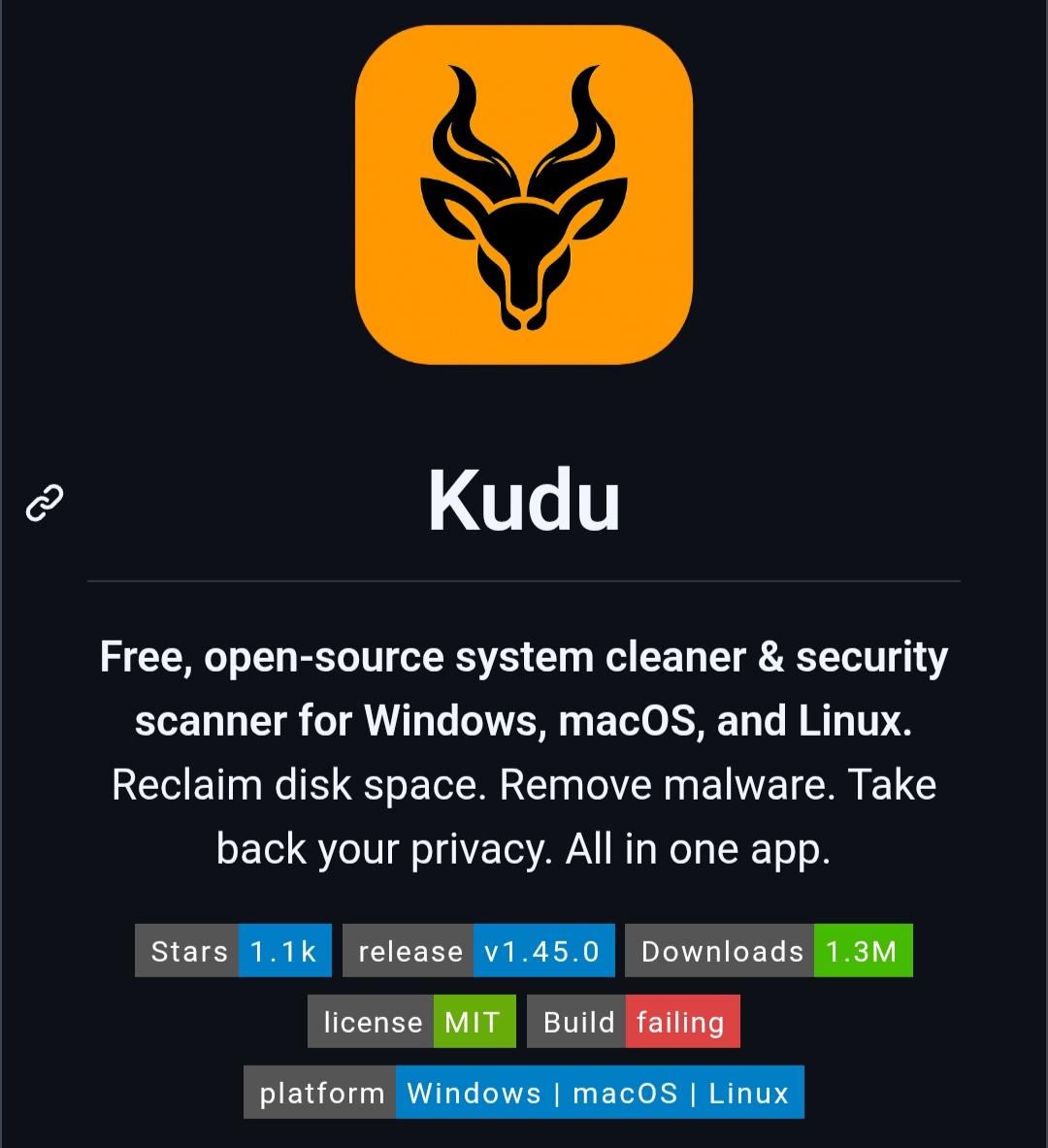
Alt...
Screenshot of the Kudu tool page showing the orange Kudu logo above the title "Kudu." The description reads: "Free, open-source system cleaner & security scanner for Windows, macOS, and Linux. Reclaim disk space. Remove malware. Take back your privacy. All in one app." Badges indicate approximately 1.1k GitHub stars, version 1.45.0, 1.3 million downloads, MIT license, support for Windows, macOS, and Linux, and a failing build status.
UniClipboard is an open-source clipboard sync tool for securely sharing text, images, and files across your devices.
It uses end-to-end encryption, works on Windows, macOS, Linux, Android, and iOS, and doesn't require a cloud account.
More details: https://digitalescapetools.com/tools/tool.html?id=uniclipboard
#OpenSource #Privacy #Productivity #Clipboard #Windows #Linux #macOS #Android #iOS
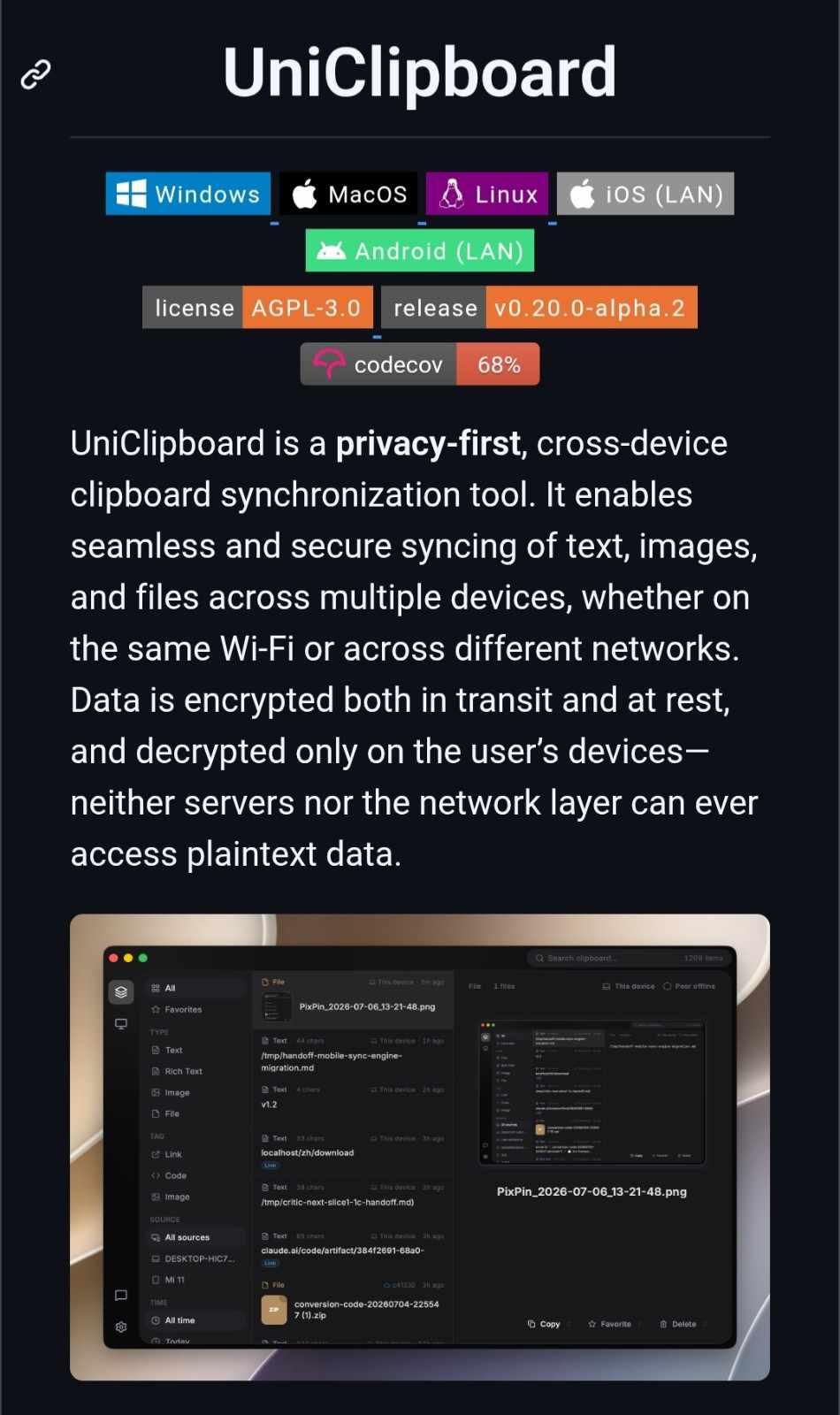
Alt...
Screenshot of the UniClipboard project page in dark mode. The page lists support for Windows, macOS, Linux, Android (LAN), and iOS (LAN), along with badges for the AGPL-3.0 license, version 0.20.0-alpha.2, and 68% code coverage. The description explains that UniClipboard is a privacy-first, cross-device clipboard synchronization tool that securely syncs text, images, and files using end-to-end encryption, ensuring only the user's devices can decrypt the data. A preview image at the bottom shows the application's dark-themed interface with a searchable clipboard history, file previews, categories, and synchronization features.
Cua is an open-source framework for building AI agents that can interact with desktop applications across Windows, macOS, Linux, and even Android.
It includes cross-platform computer-use drivers, isolated sandboxes, and benchmarking tools for training and evaluating autonomous agents, making it a great project for developers exploring AI-powered desktop automation.
More details: https://digitalescapetools.com/tools/tool.html?id=cua
#OpenSource #AI #AIAgents #Automation #LLM #Windows #Linux #macOS #Android
Alt...
Screenshot of the Cua project page in dark mode. A large koala logo appears above the tagline: "Scale computer-use 2.0 with open-source drivers, cross-OS fleets, and benchmarks for training, evaluation, and data generation." Below are buttons linking to the Cua website, Discord server, X account, and documentation. A badge at the bottom highlights Cua as the "#1 Repository of the Day" on GitHub Trending.
Gopeed is a modern open-source download manager built with Go and Flutter.
It supports HTTP, BitTorrent, Magnet, and ED2K downloads, runs on Windows, macOS, Linux, Android, and iOS, and includes browser extensions to capture downloads.
If you're looking for a privacy-friendly alternative to IDM or Free Download Manager, Gopeed is worth checking out.
More details: https://digitalescapetools.com/tools/tool.html?id=gopeed
#OpenSource #DownloadManager #Privacy #Go #Flutter #Linux #Android #iOS #Windows #macOS
Alt...
Screenshot of the Gopeed project page in dark mode. A banner at the top displays the Gopeed logo. Below it are project badges showing passing tests, version 1.9.3, over 2.2 million downloads, code coverage, donation links, and community links including Discord and WeChat. A highlighted badge notes Gopeed was the "#1 Repository of the Day" on GitHub Trending. The description explains that Gopeed is a high-speed, open-source download manager built with Go and Flutter, supporting HTTP, BitTorrent, Magnet, and ED2K downloads across multiple platforms, with an extensible architecture for adding new features.
![[?]](https://files.mastodon.social/accounts/avatars/115/967/890/192/375/774/original/79861f67f1d57c00.png)
Anyone used #RetroShare / @xeres before ?
#P2P #Share #Files #retro #Email #messages directly #PeerToPeer #Encrypted #Decentralised ( etc )
Or hear me out on this rather crazy, maybe even revolutionary idea: PC laptop manufacturers should start to ship laptops with Linux instead.
I'm just saying...
https://www.theverge.com/tech/966937/microsoft-surface-laptop-13-inch-8gb-ram-2026-review
OpenLogi is an early-stage open-source alternative to Logitech Options+ focused on privacy and local control.
It lets you customize Logitech devices without accounts, telemetry, or cloud dependencies.
Currently macOS-only and still under active development, but a promising option for users who want more control over their peripherals.
https://digitalescapetools.com/tools/tool.html?id=openlogi
#OpenSource #Privacy #macOS #Logitech #Productivity #DigitalMinimalism
Alt...
A dark-themed project introduction card for "OpenLogi". At the top is a blue square icon depicting a computer mouse surrounded by directional arrows. Below the title, the text reads: "A native, local-first alternative to Logitech Options+, written in Rust. Remap buttons, DPI, and SmartShift over HID++. No account, no telemetry." Several badges at the bottom show GitHub stats, including 4.7k downloads and 178 commits per month.
i'm on a two-monitor macOS based system, and 99.9% of my work happens on my primary display. (the secondary display is a cintiq for drawing)
i had an issue where iTunes (11.x) stubbornly refused to show on my primary display, and would always launch on my cintiq no matter what i did, including manually setting it to display only on Display #1, dragging it to the primary display and quitting, etc.
the solution, which is documented nowhere, turned out to be *disabling* an option in System Preferences -> Mission Control:
❌️ Displays have separate Spaces
after disabling that option, iTunes now launches on the primary monitor 100% of the time.
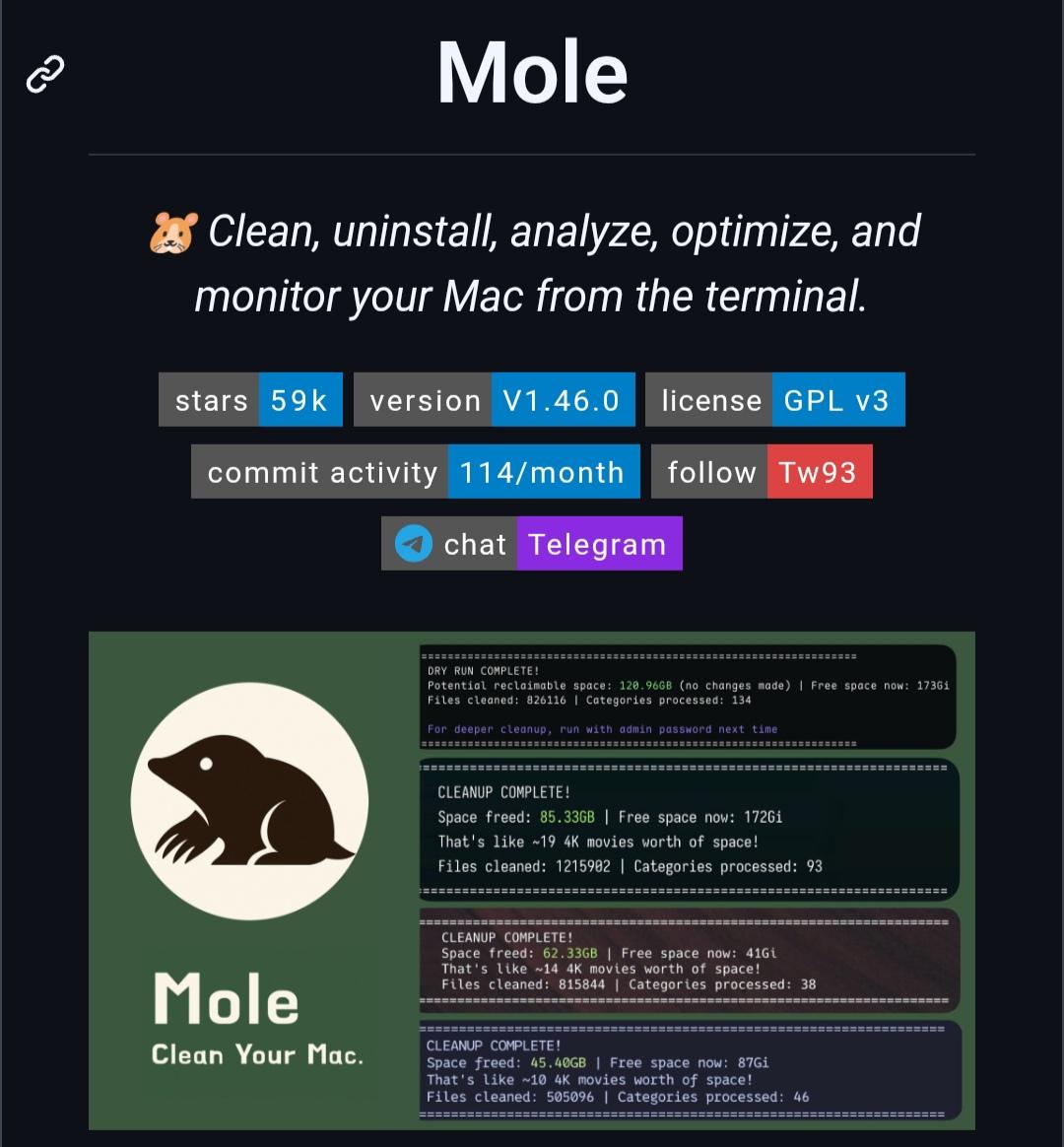
Mole is a free, open-source macOS maintenance tool that helps you clean caches, uninstall apps with leftovers, analyze disk usage, optimize your system, and monitor performance, all from the terminal.
If you like tools such as CleanMyMac, AppCleaner, DaisyDisk, and iStat Menus, Mole combines many of their core features into a single CLI.
https://digitalescapetools.com/tools/tool.html?id=mole
#OpenSource #macOS #CLI #Terminal #Productivity #Privacy
Alt...
Screenshot of the Mole project page. The page introduces Mole as an open-source macOS terminal tool for cleaning, uninstalling apps, analyzing disk usage, optimizing the system, and monitoring performance. It shows project badges including approximately 59k GitHub stars, version 1.46.0, GPL v3 license, commit activity, and a Telegram link. Below is promotional artwork featuring the Mole logo and several terminal screenshots highlighting successful cleanup results and large amounts of reclaimed disk space.
![[?]](https://cdn.masto.host/appdotnet/accounts/avatars/000/001/724/original/49bf6896793e8c66.png)
Download opendylan-2026.2-aarch64-darwin.tar.bz2
cd /opt/local
tar jxf ~/Downloads/opendylan-2026.2-aarch64-darwin.tar.bz2
export DYLAN_HOME=/opt/local/opendylan-2026.2
export PATH="$PATH:$DYLAN_HOME/bin"
<run test build, macos threatens to move it to trash>
sudo find $DYLAN_HOME -type f -exec xattr -d com.apple.quarantine '{}' ';'
<run test build>
./_build/bin/hello-world
Hello, world!
\o/ it works! Fucking macos security theatre.
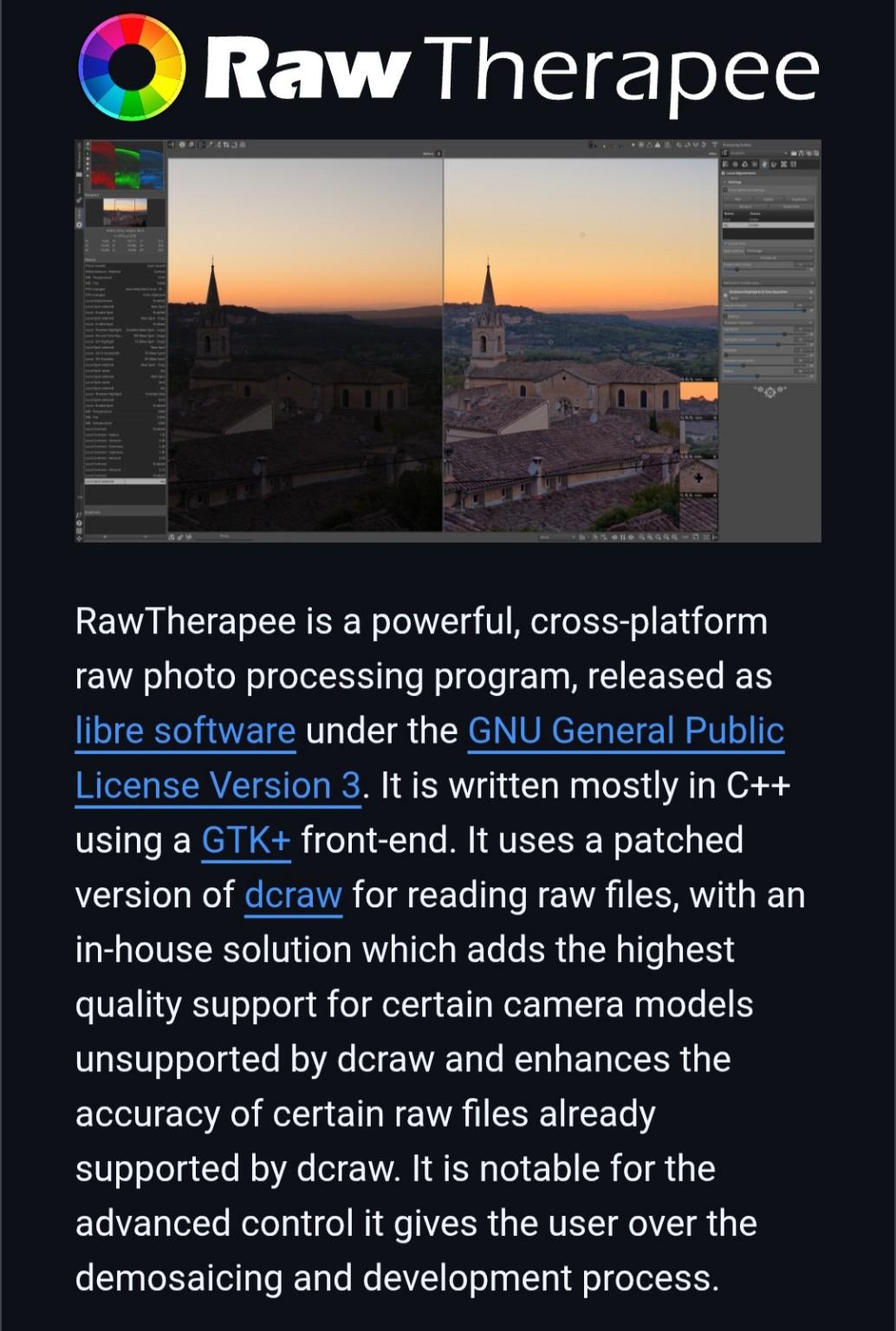
RawTherapee is a free, open-source RAW photo editor for Windows, Linux, and macOS.
It offers advanced color correction, detail enhancement, noise reduction, and non-destructive editing, making it a great alternative to Adobe Lightroom for RAW photography.
More details: https://digitalescapetools.com/tools/tool.html?id=rawtherapee
#OpenSource #Photography #RAW #Linux #Windows #macOS #PrivacyTools
Alt...
Screenshot of the RawTherapee GitHub page showing the project logo, a side-by-side RAW photo editing comparison, and a description highlighting it as a cross-platform, open-source RAW photo editor with advanced image processing features.
PSA: #macOS28 will drop support for encrypted #MacOS Extended volumes
https://9to5mac.com/2026/07/08/psa-macos-28-will-drop-support-for-encrypted-mac-os-extended-volumes/
![[?]](https://files.mastodon.social/accounts/avatars/000/038/659/original/b0de8058da52f2aa.jpg)
```
find / -name "*FOO*txt" -ls
# match is case insensitive
find / -iname "*FOO*txt" -ls
```
will search '/', and all subdirectories, for files with 'FOO' and ending with 'txt' in the name. You don't need AI Terminal Wrapper or AI agents for this on your desktop. Stop sending data to big tech.
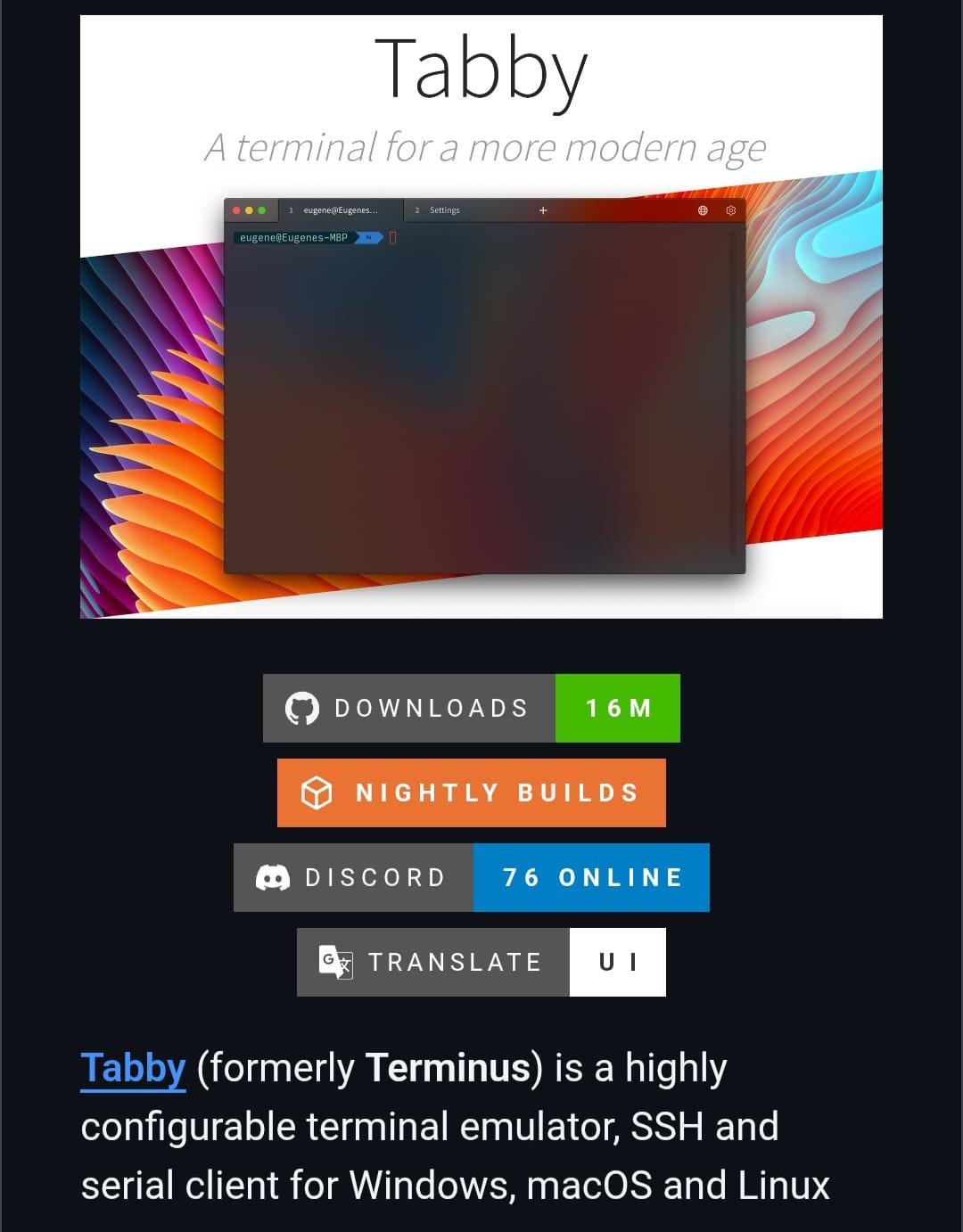
Tabby is a free, open-source terminal emulator with a built-in SSH client for Windows, Linux, and macOS.
It supports tabs, split panes, themes, plugins, serial connections, and PowerShell, CMD, WSL, Git Bash, and more, all without requiring an account.
More details: https://digitalescapetools.com/tools/tool.html?id=tabby
#OpenSource #Linux #Windows #macOS #Terminal #SSH #SysAdmin #PrivacyTools
Alt...
Screenshot of the Tabby project page showing the terminal emulator's interface, download and community badges, and a preview of its modern, customizable terminal for Windows, macOS, and Linux.
![[?]](https://mastodon-assets.nyc3.cdn.digitaloceanspaces.com/accounts/avatars/117/141/471/510/402/739/original/4de39c91b9a353eb.png)
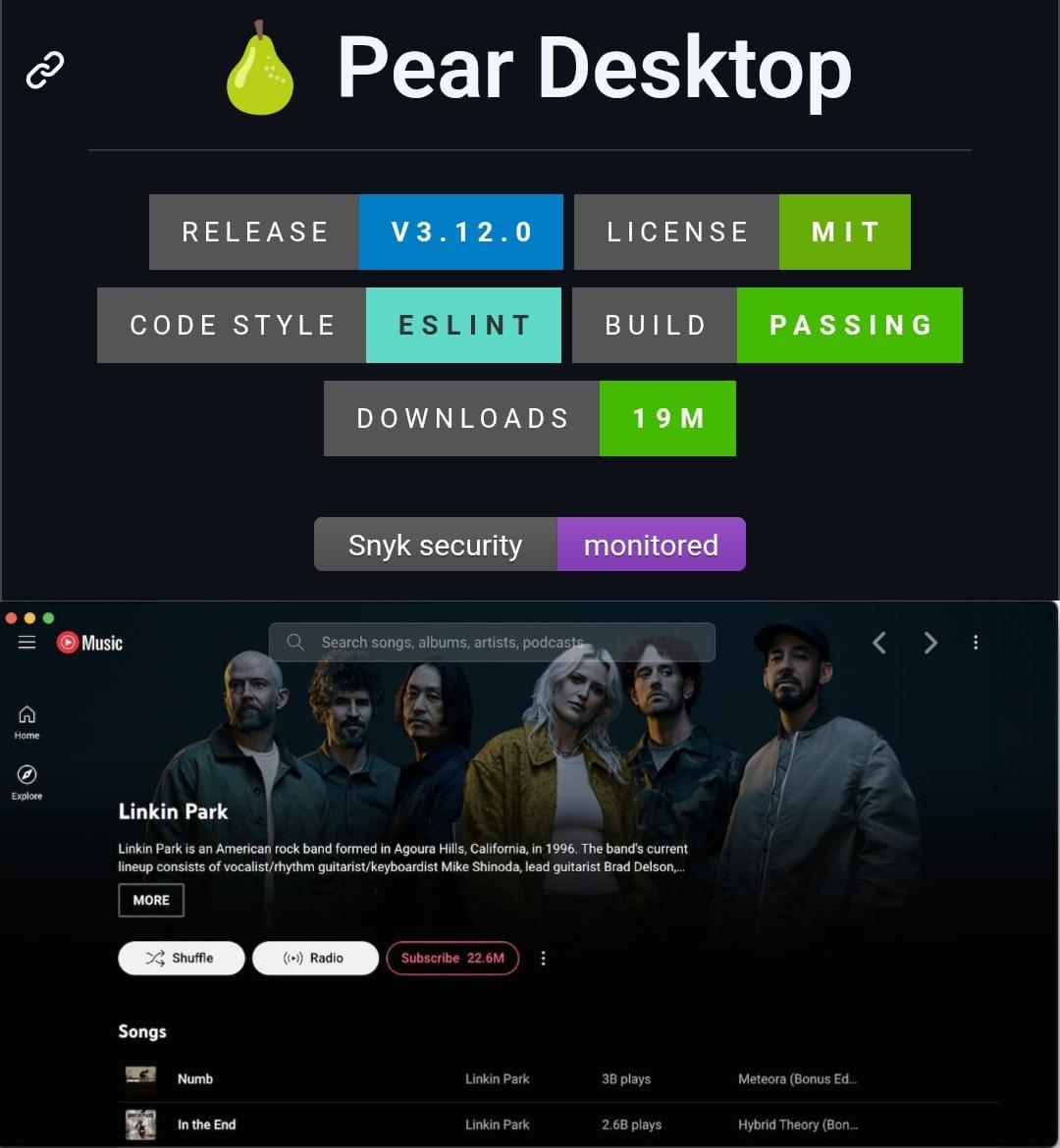
🎵 Pear Desktop is a free, open-source desktop client for YouTube Music with native media controls, plugins, custom themes, and a polished desktop experience.
Available for Linux, Windows, and macOS.
More details: https://digitalescapetools.com/tools/tool.html?id=peardesktop
#OpenSource #Linux #Windows #macOS #YouTubeMusic #PrivacyTools
Alt...
Screenshot of the Pear Desktop project page showing release badges, build status, and a preview of the YouTube Music desktop client with native desktop integration and media playback.
![[?]](https://files.mastodon.social/accounts/avatars/114/368/991/106/654/640/original/4055052cf2bcf4e8.png)
Apple's Hide My Email contains an unfixed flaw that can expose users' real email addresses, according to a researcher and 404 Media's tests. ⚠️📧
The vulnerability has reportedly remained unpatched for over a year, raising privacy concerns for users who rely on email masking. 🔒
🔗 https://www.404media.co/apple-hide-my-email-vulnerability-reveals-peoples-real-email-addresses/
#TechNews #Apple #iPhone #MacOS #HideMyEmail #Privacy #Security #Email #CyberSecurity #DataProtection #InfoSec #Technology #DigitalPrivacy #Tech #Software #iOS
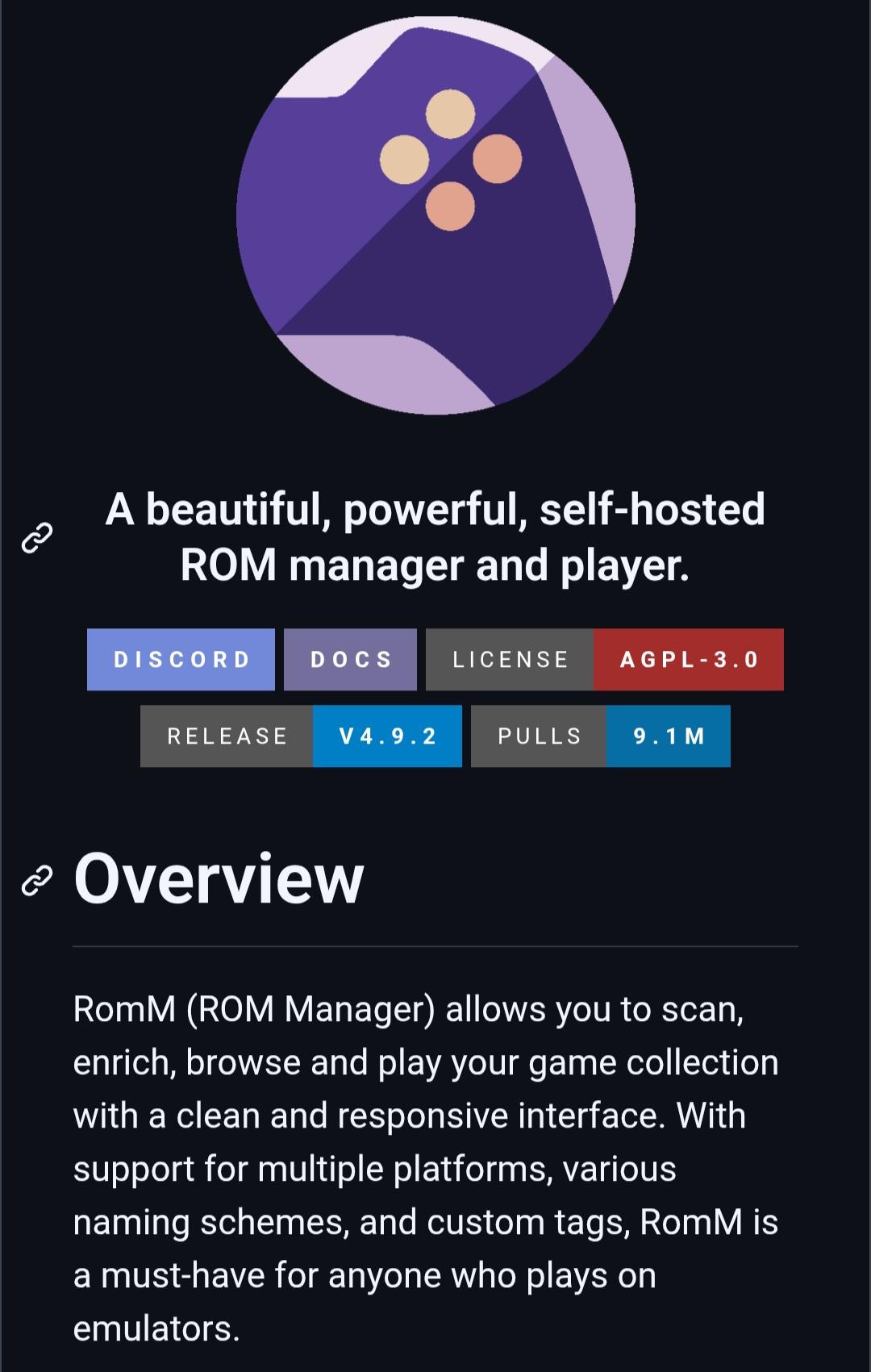
RomM is a free, open-source, self-hosted ROM manager that helps you organize, browse, and play your retro game collection.
It automatically fetches metadata, artwork, and achievements, supports 400+ platforms, browser-based play, and works with emulators like EmulatorJS.
More details: https://digitalescapetools.com/tools/tool.html?id=romm
#OpenSource #SelfHosted #RetroGaming #Emulation #Gaming #Linux #Windows #macOS #Privacy #FOSS
Alt...
Screenshot of the RomM project page showing its purple gamepad logo, the tagline "A beautiful, powerful, self-hosted ROM manager and player," project badges (AGPL-3.0, version 4.9.2, 9.1M Docker pulls), and an overview describing RomM as a self-hosted ROM manager for organizing and playing emulator game collections.
OpenToonz is a free and open-source 2D animation software for Windows, macOS, and Linux.
Originally based on the version customized by Studio Ghibli, it includes frame-by-frame animation, vector and raster drawing tools, effects, scripting, and professional production features.
More details: https://digitalescapetools.com/tools/tool.html?id=opentoonz
#OpenSource #Animation #2DAnimation #Linux #Windows #macOS #Creative #Privacy
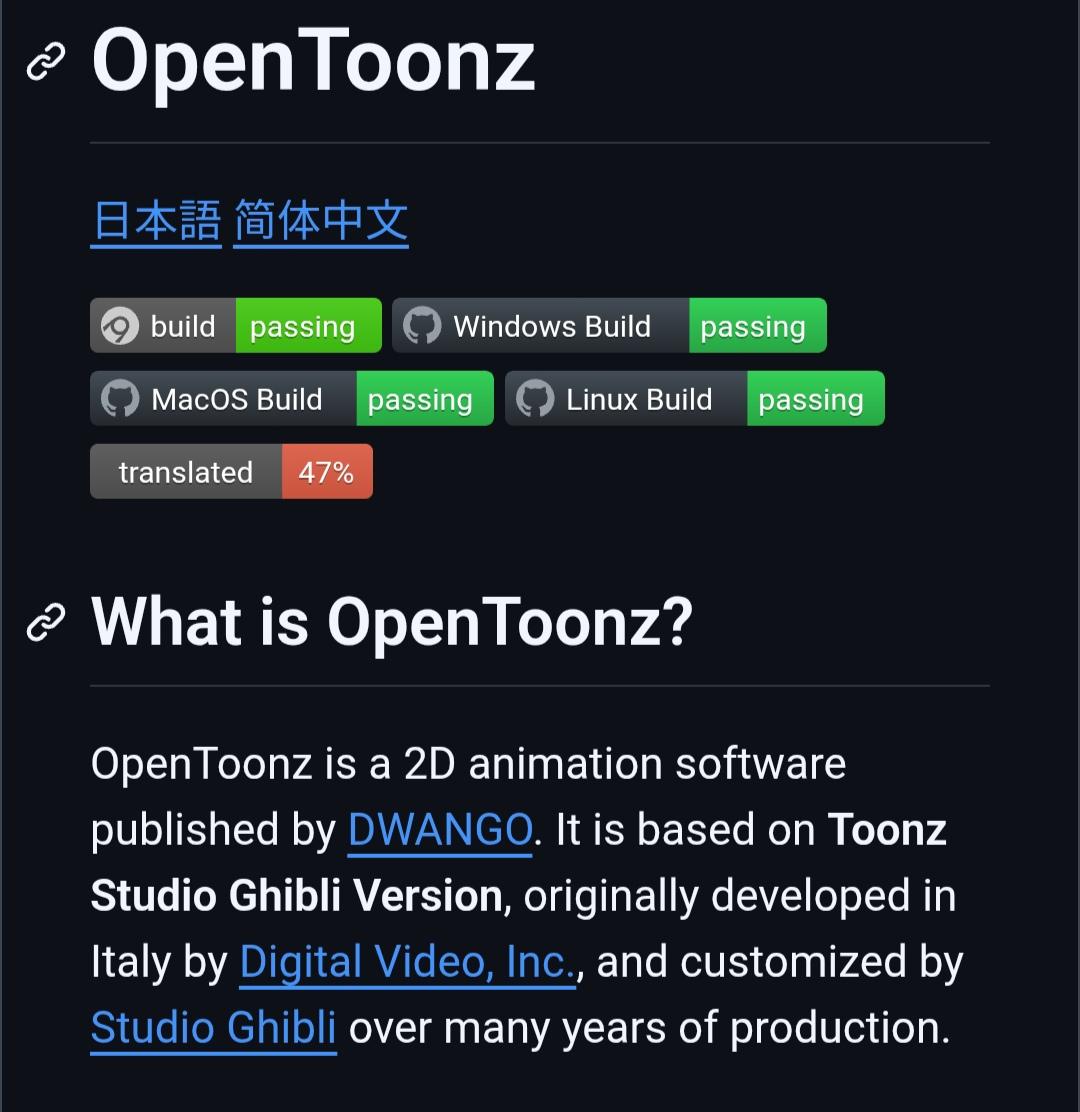
Alt...
OpenToonz project page with build status badges (passing for Windows, Mac, Linux), 47% translation progress, and description as 2D animation software based on Studio Ghibli's version.
Superfile is a free and open-source terminal file manager with a modern, keyboard-first interface.
Built with Go, it features a clean TUI, customizable themes, plugins, and supports Linux, macOS, and Windows. A great upgrade for anyone who spends a lot of time working in the terminal.
More details: https://digitalescapetools.com/tools/tool.html?id=superfile
#OpenSource #Linux #Windows #macOS #Terminal #CLI #Productivity #Privacy
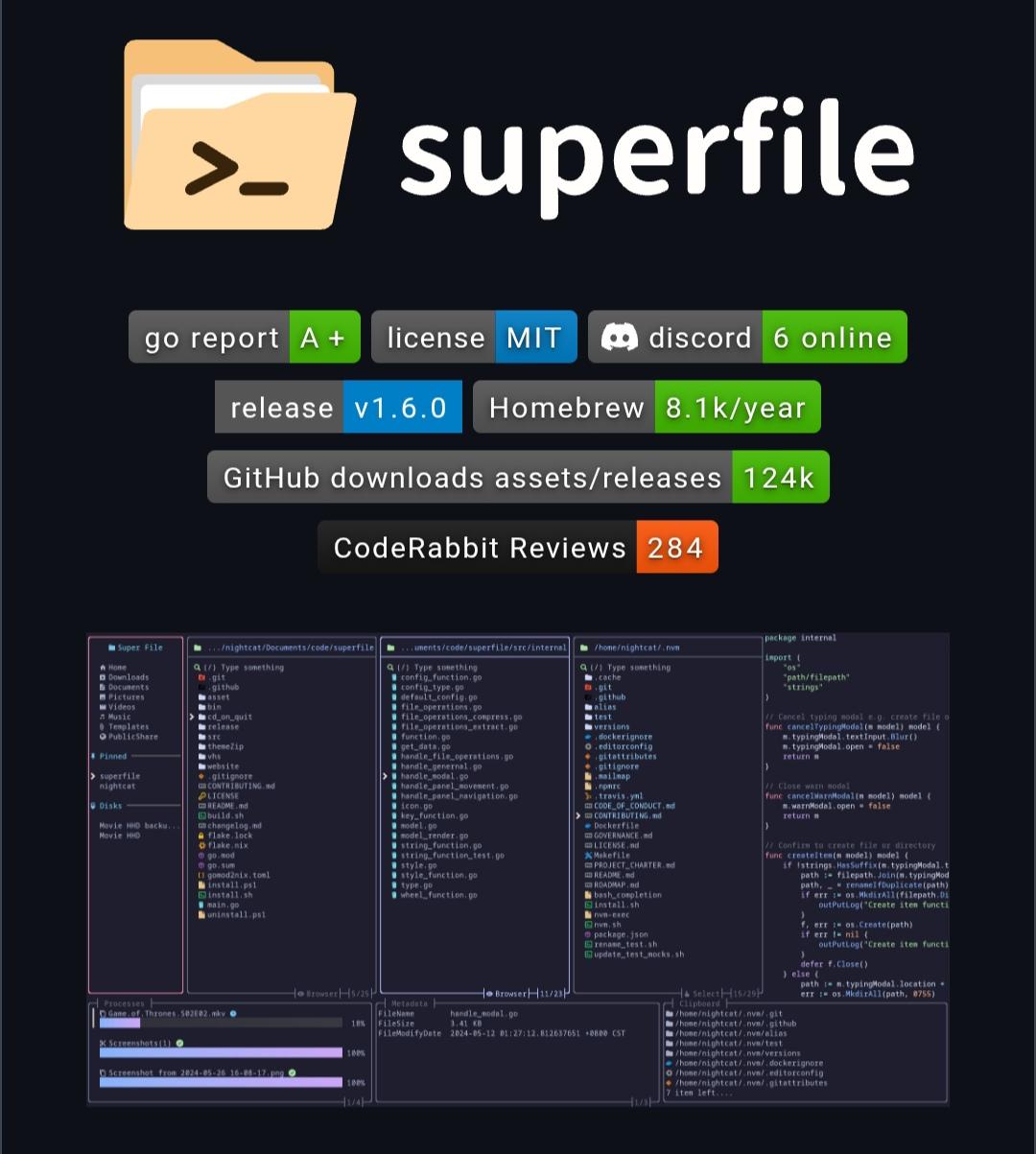
Alt...
Screenshot of the Superfile project page showing its logo, project badges, and a preview of the modern terminal-based file manager with a multi-pane, keyboard-friendly interface.
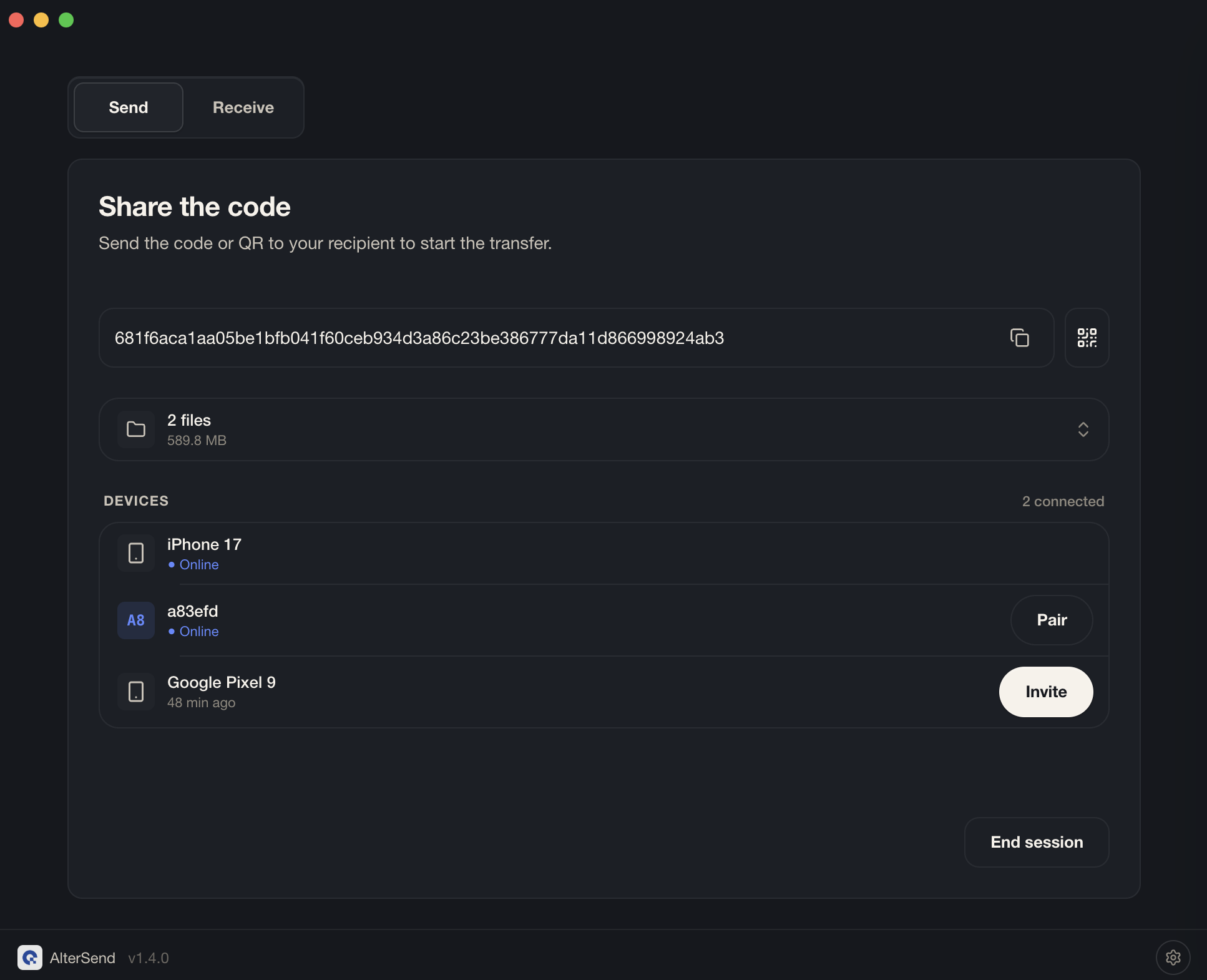
AlterSend is a free and open-source app for transferring files directly between devices without using cloud storage.
Files are sent peer-to-peer with end-to-end encryption, no accounts, no uploads, and no file size limits. It works across Windows, macOS, Linux, Android, and iOS.
More details: https://digitalescapetools.com/tools/tool.html?id=altersend
#OpenSource #Privacy #FileTransfer #Linux #Windows #macOS #Android #iOS
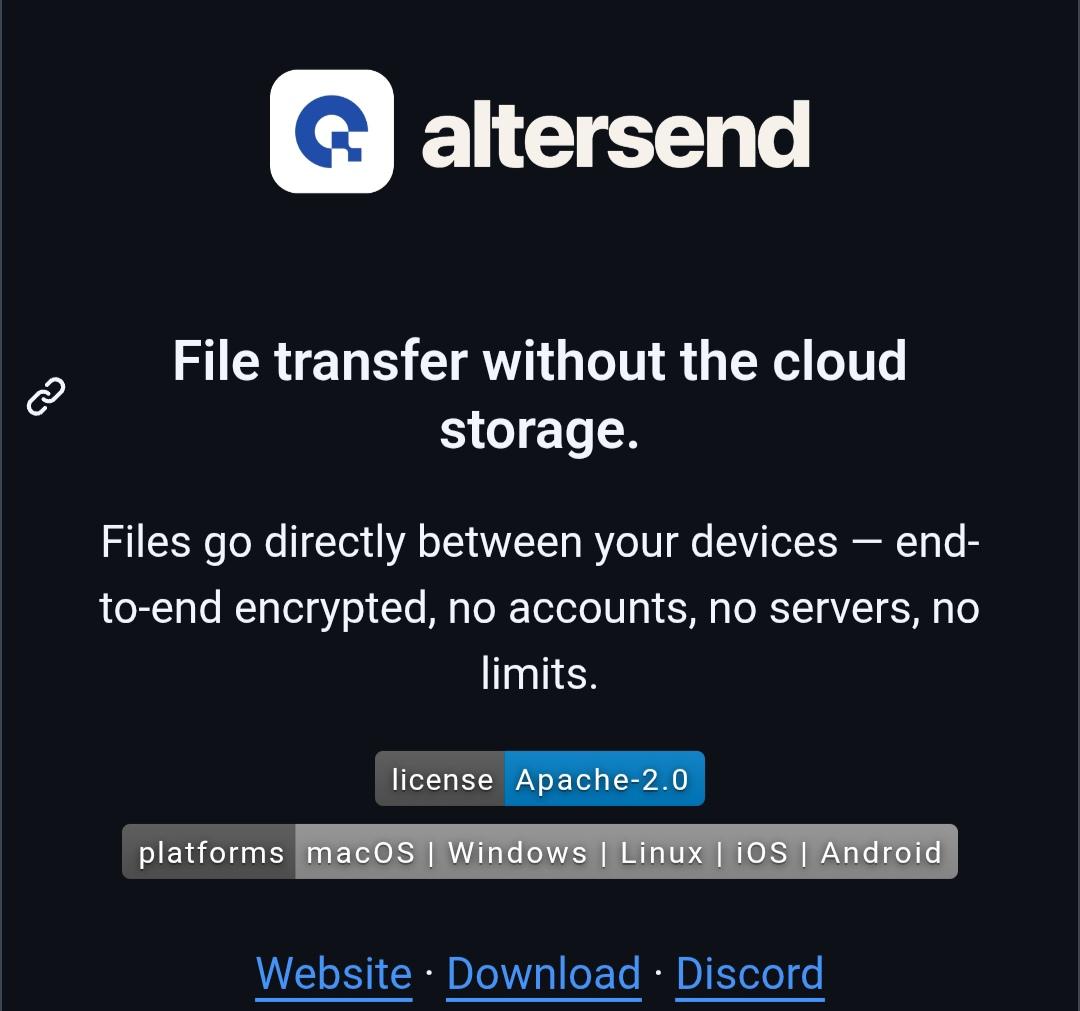
Alt...
Screenshot of AlterSend app splash screen. Logo and tagline: "File transfer without the cloud. Files go directly between your devices - end-to-end encrypted, no accounts, no servers, no limits." Footer text: "license Apache-2.0" and "platforms macOS, Windows, Linux, iOS, Android". Website, Download, and Discord links shown.
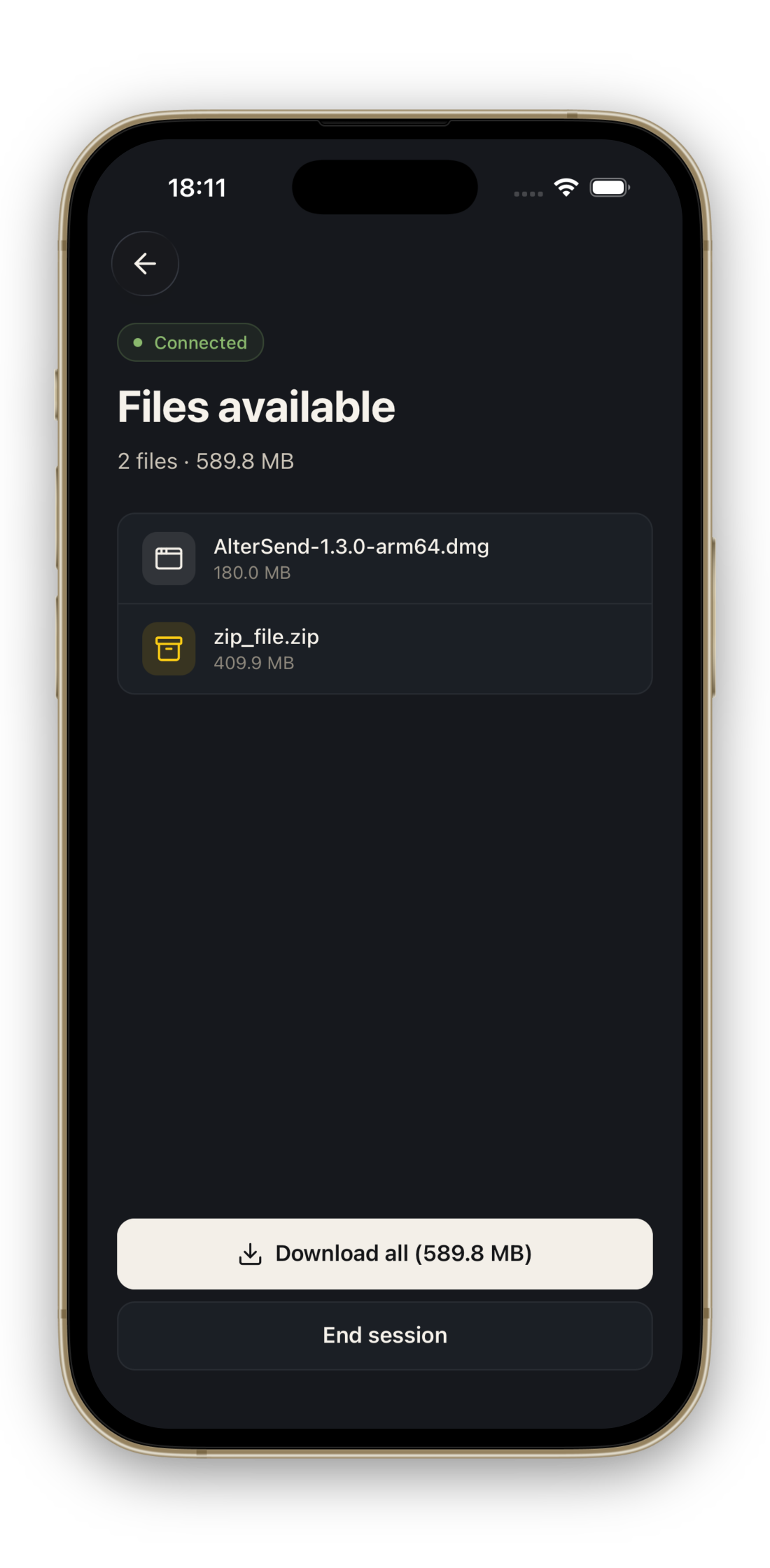
Alt...
Screenshot of AlterSend mobile app. Status bar reads "18:11" and "Connected". Shows "Files available: 2 files, 589.8 MB". Lists files: "AlterSend-1.3.0-arm64.dmg (180.0 MB)" and "zip_file.zip (409.9 MB)". Displays a "Download all" button and an "End session" option.
Alt...
Screenshot of AlterSend desktop app share screen. Displays a hexadecimal share code "681f6aca...". Shows "2 files, 589.8 MB". Device list: iPhone 17 (Online), a83efd (Online), Google Pixel 9 (48 min ago). Buttons for Pair, Invite, and End session.
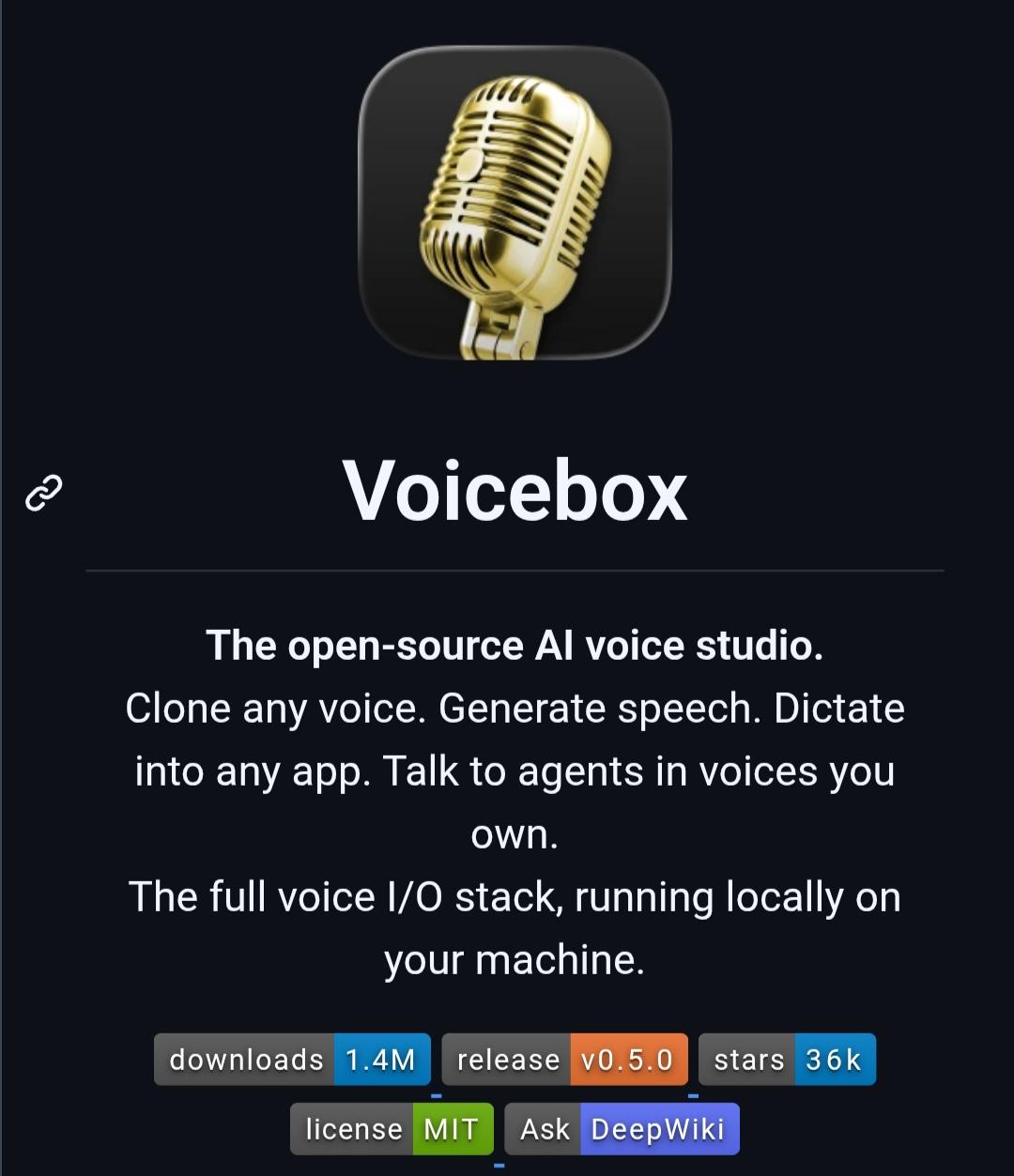
Voicebox is a free and open-source AI voice studio that runs entirely on your computer.
It lets you clone voices, generate speech, transcribe audio with Whisper, and use voice dictation without sending recordings to the cloud. It also supports multiple TTS engines and MCP integration for AI assistants.
More details: https://digitalescapetools.com/tools/tool.html?id=voicebox
#OpenSource #AI #Privacy #SelfHosted #Linux #Windows #macOS #SpeechToText #TextToSpeech
Alt...
Screenshot of the Voicebox project page featuring a gold microphone icon and the title "Voicebox." The page describes it as an open-source AI voice studio that runs entirely on your computer, allowing users to clone voices, generate speech, dictate into any application, and interact with AI agents using custom voices. Project badges show approximately 1.4 million downloads, version 0.5.0, 36k GitHub stars, an MIT license, and a link to DeepWiki.
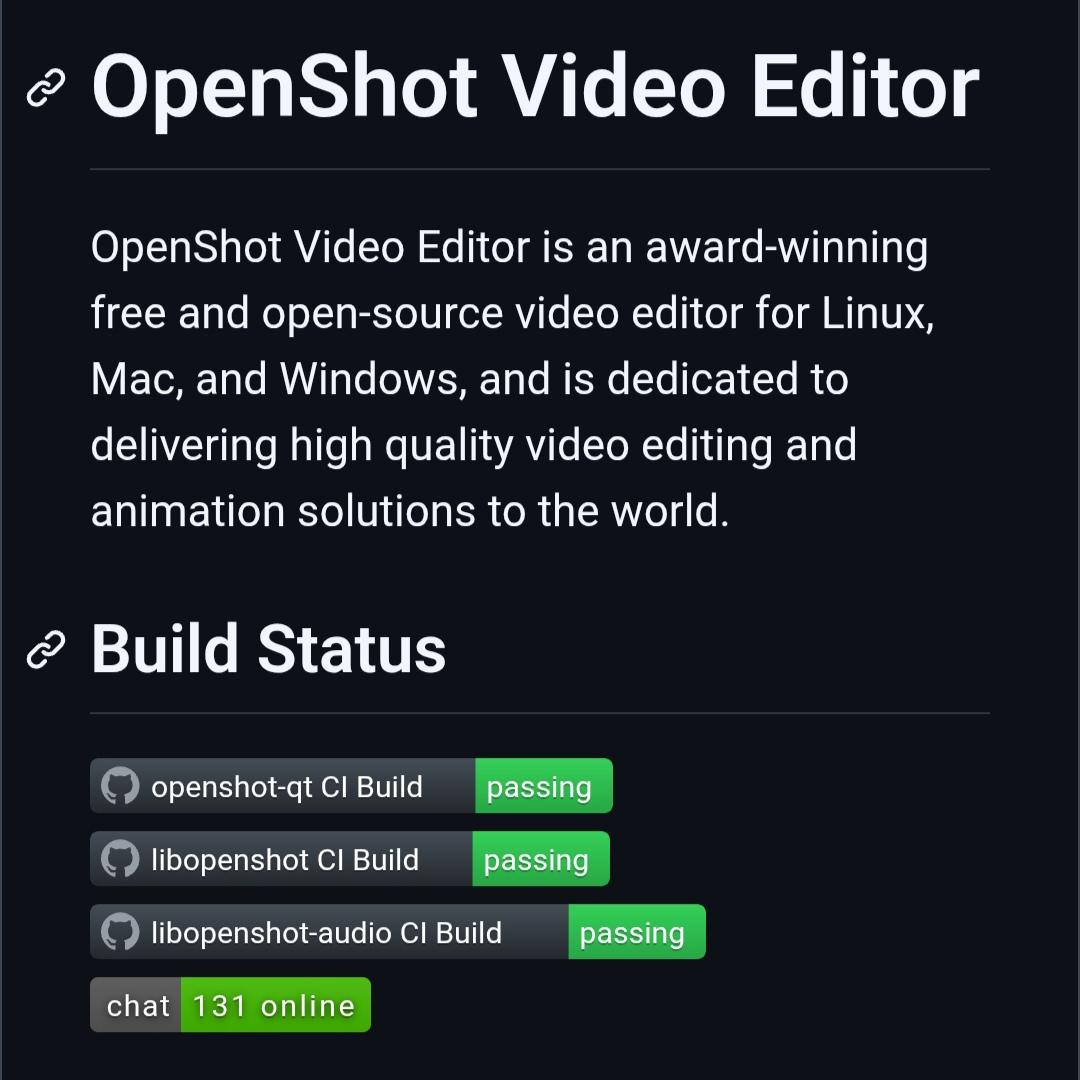
OpenShot is a free and open-source video editor available for Windows, macOS, and Linux.
It features unlimited tracks, timeline editing, keyframe animations, transitions, titles, audio editing, chroma key, speed controls, hardware encoding, and support for hundreds of formats through FFmpeg.
A privacy-friendly alternative to subscription-based video editors.
More details: https://digitalescapetools.com/tools/tool.html?id=openshot
#OpenSource #OpenShot #VideoEditing #Linux #Windows #macOS #FOSS #Privacy
Alt...
Screenshot of the OpenShot Video Editor project page. The page describes OpenShot as a free and open-source video editor for Linux, macOS, and Windows focused on high-quality video editing and animation. Below, a "Build Status" section shows GitHub CI badges for openshot-qt, libopenshot, and libopenshot-audio, all marked as "passing," along with a Discord badge showing 131 users online.
![[?]](https://mastodon.sdf.org/system/accounts/avatars/113/059/004/569/382/369/original/1b5ae86850d2461a.png)
#NeXT / #Apple had the right idea.
* User homes are in /Users
* Each app is in /Applications and looks like a regular file but is actually a folder (i.e. you can cd into it and examine the contents)
* The operating system is in /System
* Files shared among apps (except files that come with the OS), including configuration files, are in /Library
* Static libraries, debug info, C headers, OS API reference docs, etc go in /Developer
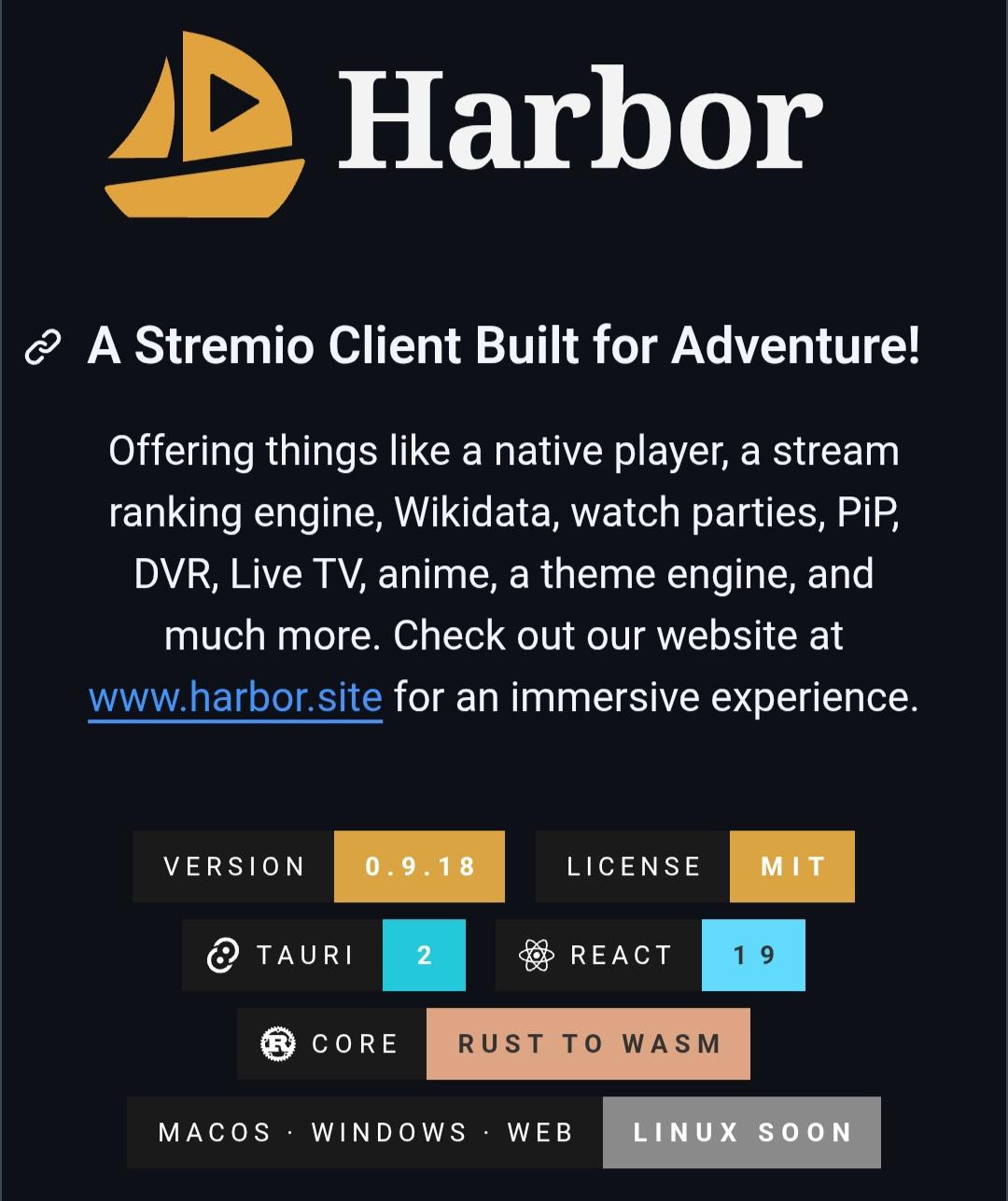
Harbor is a free and open-source desktop client for the Stremio ecosystem.
It includes a native media player, watch parties, live TV support, picture-in-picture, themes, stream ranking, and extensive customization.
Harbor does not host or provide any media. Instead, it works with the Stremio addon ecosystem, allowing users to choose their own addons and content sources.
More details: https://digitalescapetools.com/tools/tool.html?id=harborstremio
#OpenSource #Stremio #Harbor #Linux #Windows #macOS #FOSS
Alt...
Screenshot of the Harbor project page. The Harbor logo appears at the top with the heading "A Stremio Client Built for Adventure!" The description highlights features including a native media player, stream ranking, Wikidata integration, watch parties, picture-in-picture, DVR, live TV, anime support, and themes. Version and technology badges show Harbor is built with Tauri 2, React 19, and Rust to WASM, with support for macOS, Windows, web, and upcoming Linux support.
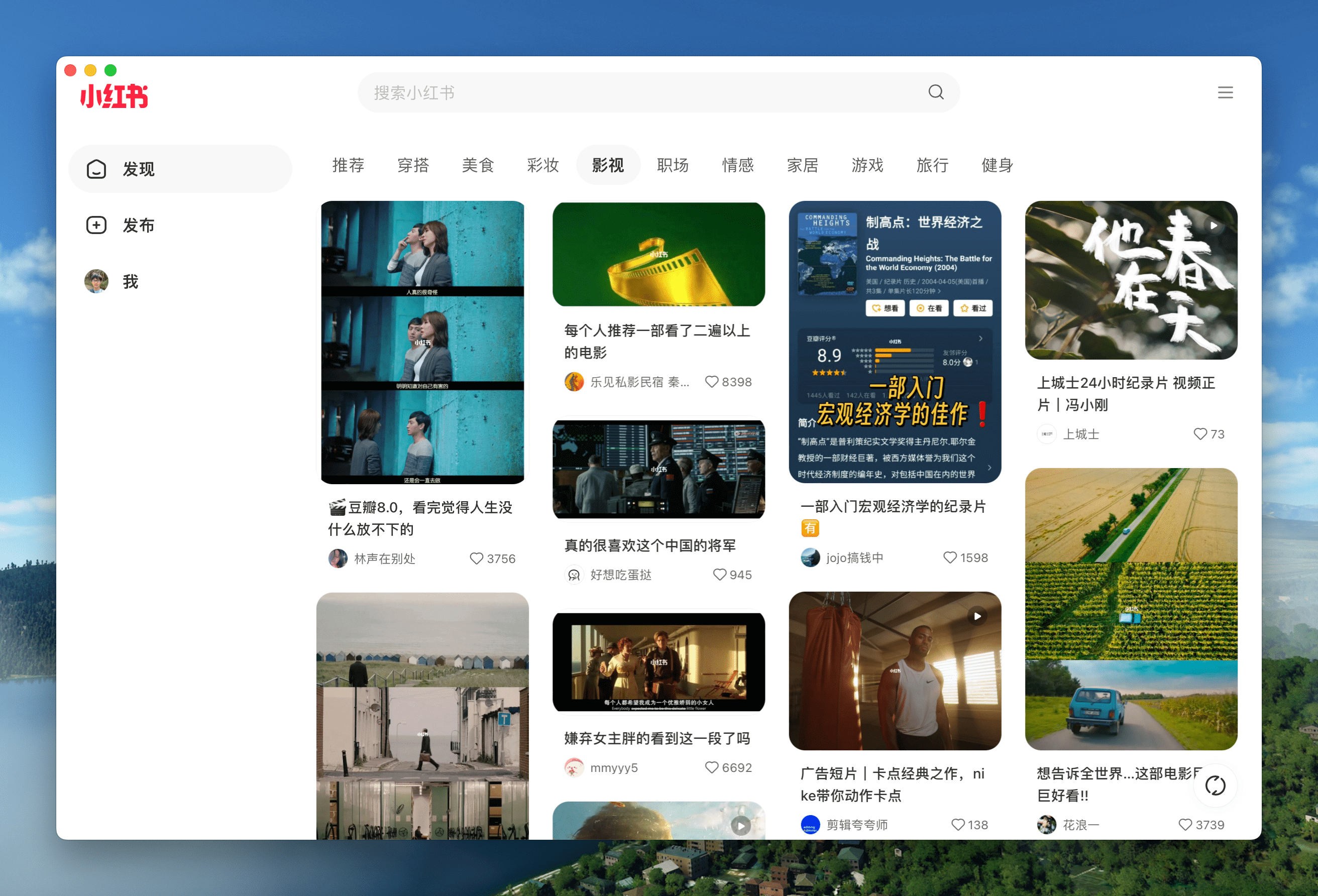
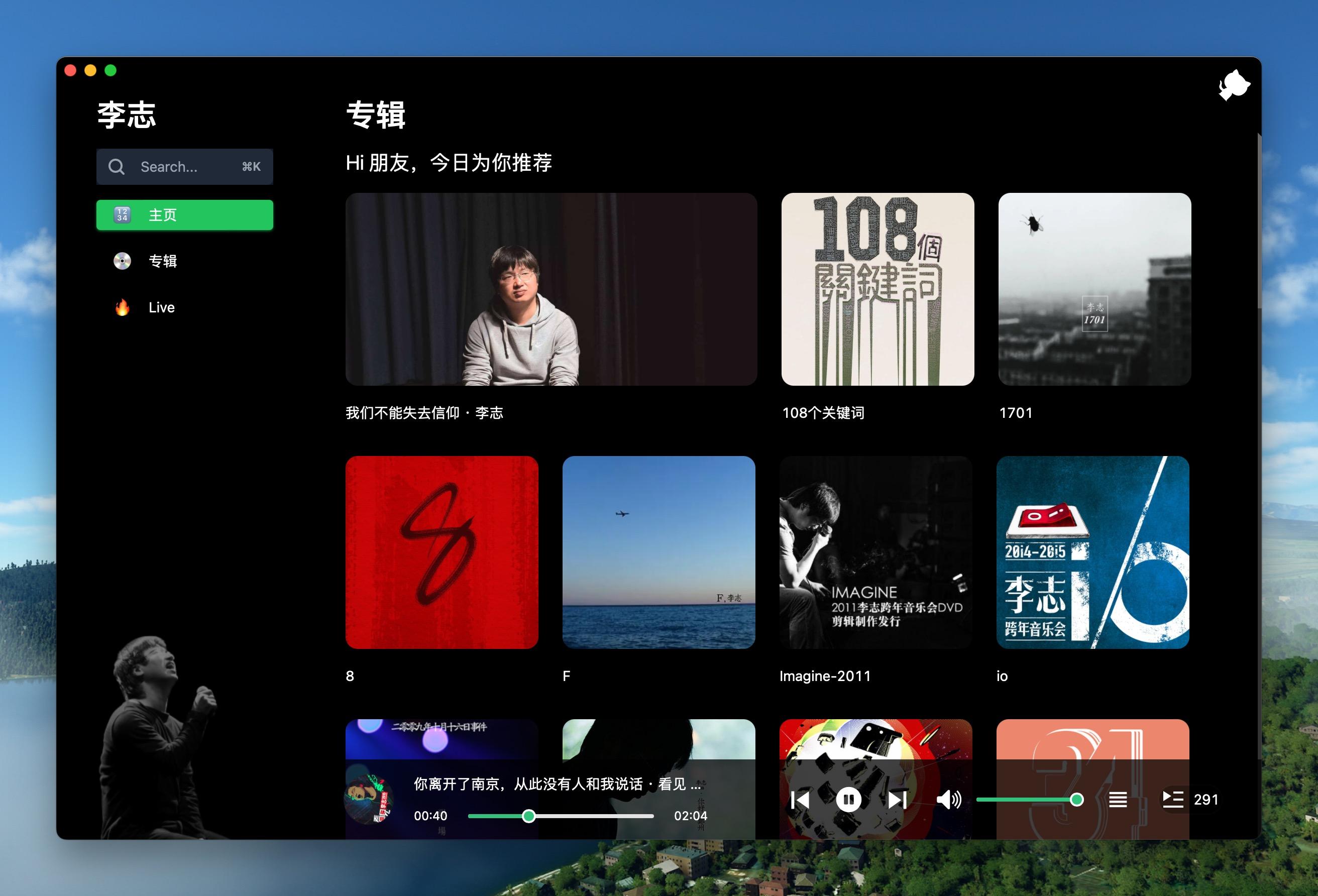
Pake is a free, open-source tool that turns almost any website into a lightweight desktop app.
Built with Rust and Tauri, apps created with Pake are much smaller and use less memory than typical Electron-based alternatives.
Perfect for ChatGPT, Gemini, GitHub, YouTube Music, DeepSeek, and more.
https://digitalescapetools.com/tools/tool.html?id=pake
#OpenSource #Rust #Tauri #Linux #Windows #macOS
Alt...
Pake project page showing the app logo and tagline “Turn any webpage into a desktop app with one command.” Badges display download count, commit activity, and project status. The page highlights support for macOS, Windows, and Linux.
Alt...
Screenshot of a website running as a native desktop application created with Pake. The interface features a sidebar, search bar, and a grid of content cards inside a clean standalone window on a desktop background.
Alt...
Dark-themed desktop music application generated with Pake. The interface includes album artwork, playlists, navigation menus, playback controls, and a music library displayed in a native application window.
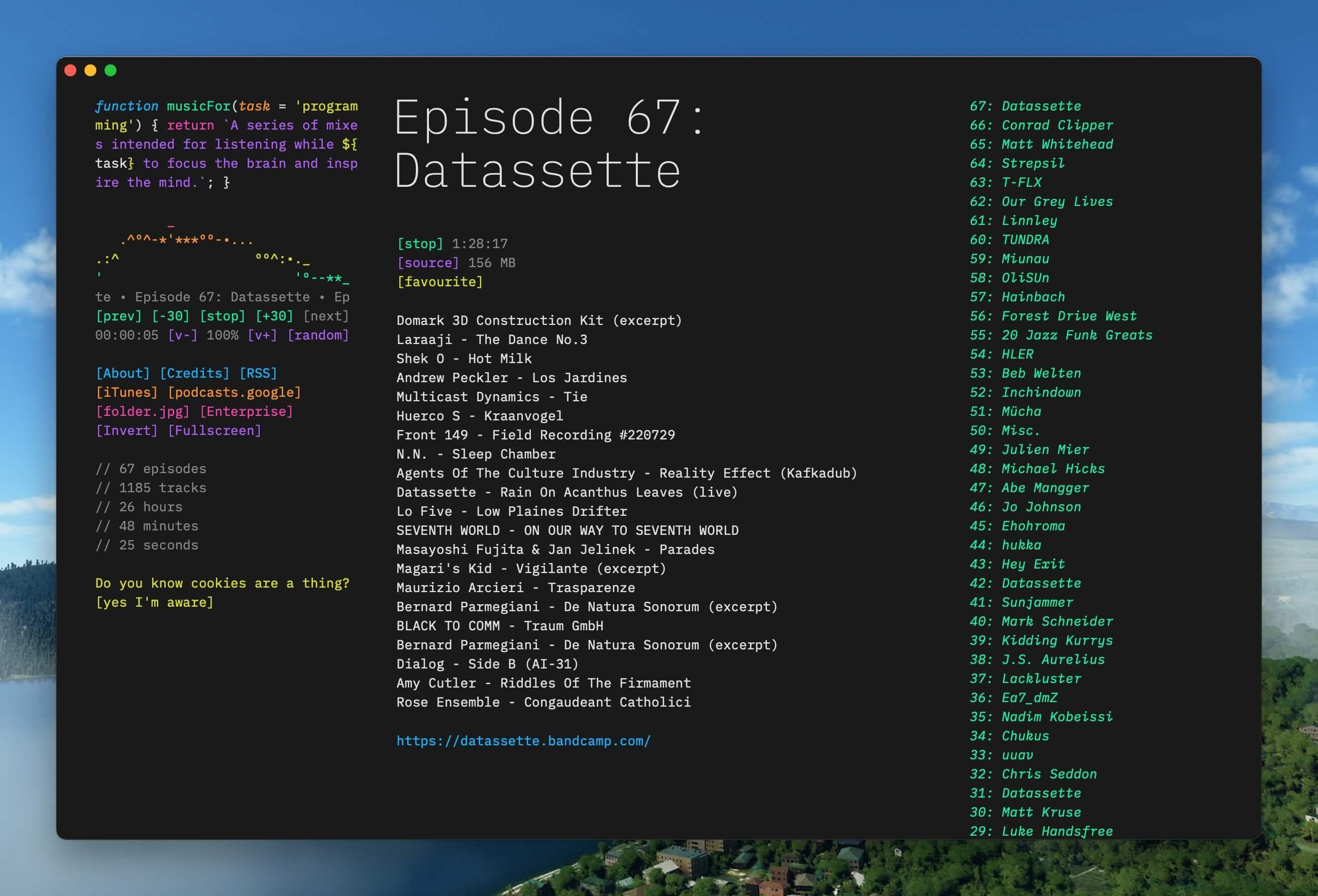
Alt...
Terminal-inspired desktop application running in a standalone window. The interface shows podcast episode information, track listings, playback controls, and colorful text-based navigation elements, demonstrating how web content can be packaged as a lightweight desktop app.
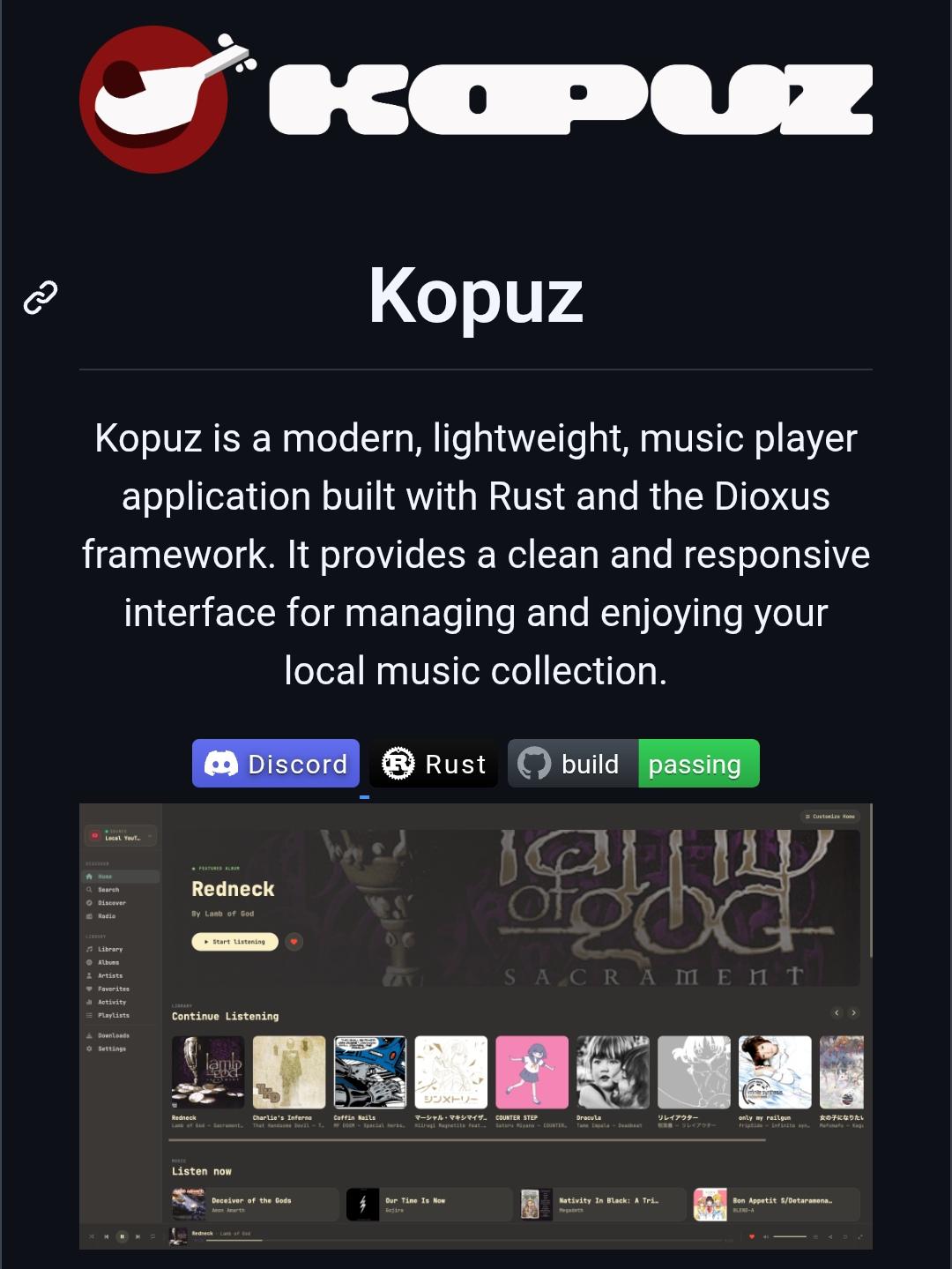
Kopuz is a free and open-source music player built with Rust.
It supports local music libraries, Jellyfin, Navidrome/Subsonic servers, synced lyrics, playlists, and equalizer controls across Windows, Linux, and macOS.
A privacy-friendly alternative to cloud-focused music players, with full support for self-hosted music collections.
More details: https://digitalescapetools.com/tools/tool.html?id=kopuz
#OpenSource #MusicPlayer #Jellyfin #Navidrome #SelfHosted #Privacy #Linux #Windows #macOS #FOSS
Alt...
Screenshot of the Kopuz project page. The top features the Kopuz logo and name, followed by a description stating that Kopuz is a modern, lightweight music player built with Rust and the Dioxus framework. The page highlights its clean and responsive interface for managing local music collections. Below are badges for Discord, Rust, and a passing build status. A large application screenshot shows Kopuz's dark-themed music player interface with album artwork, navigation sidebar, playlists, library sections, and music playback controls, demonstrating its focus on local and self-hosted music management.
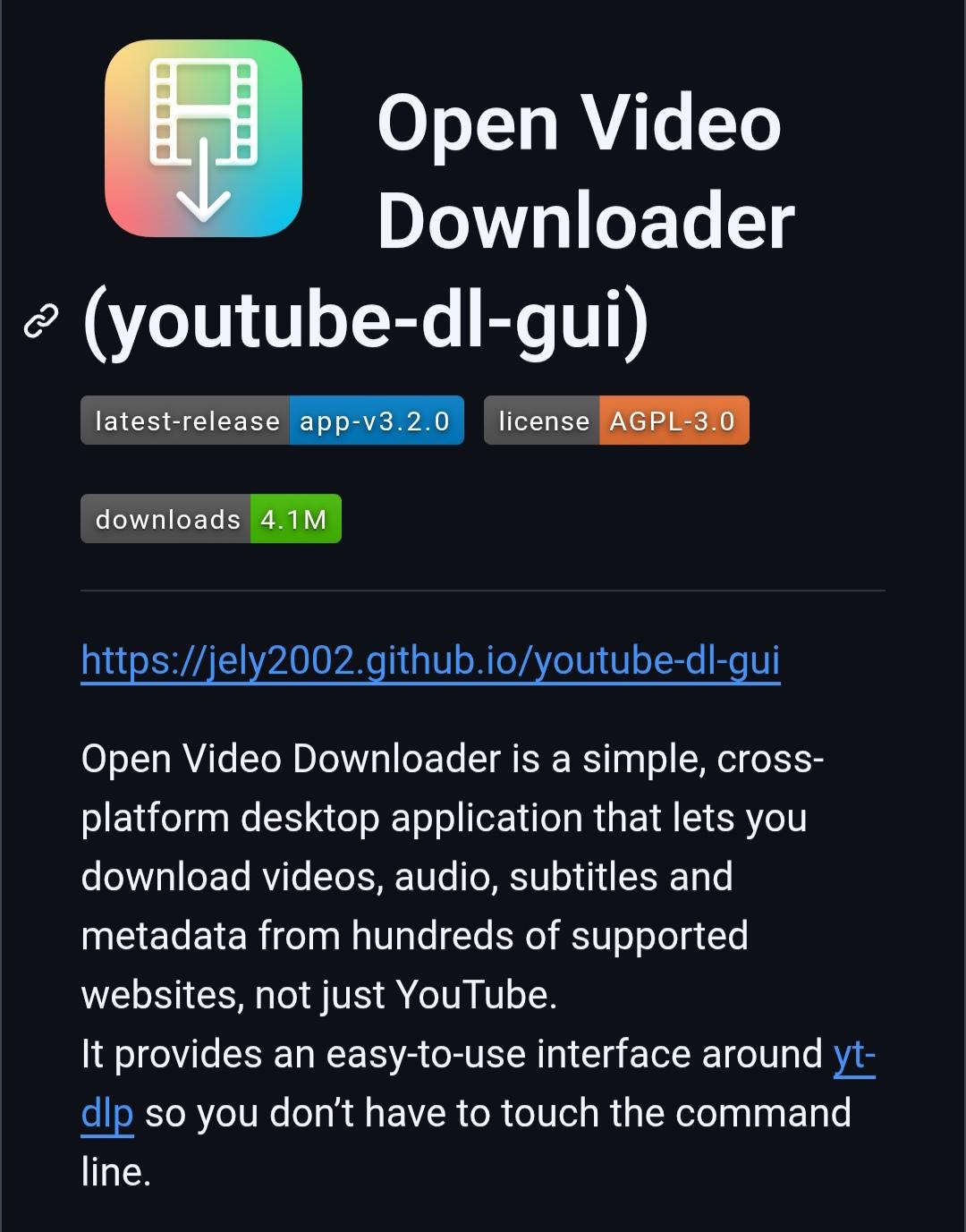
Open Video Downloader is a free and open-source desktop app for downloading videos, audio, subtitles, playlists, and metadata from hundreds of websites.
Built on top of yt-dlp, it offers a simple graphical interface , no command line required. Available for Windows, macOS, and Linux under the AGPL-3.0 license.
More details: https://digitalescapetools.com/tools/tool.html?id=open-video-downloader
#OpenSource #Privacy #Linux #Windows #macOS #ytdlp #VideoTools
Alt...
Screenshot of the Open Video Downloader project page. The page shows the application's colorful icon featuring a film strip and download arrow, alongside the title “Open Video Downloader (youtube-dl-gui).” Below are badges indicating version 3.2.0, AGPL-3.0 license, and over 4.1 million downloads. The description explains that Open Video Downloader is a cross-platform desktop application that can download videos, audio, subtitles, and metadata from hundreds of supported websites. It highlights that the app provides a simple graphical interface built on top of yt-dlp, eliminating the need for command-line usage.
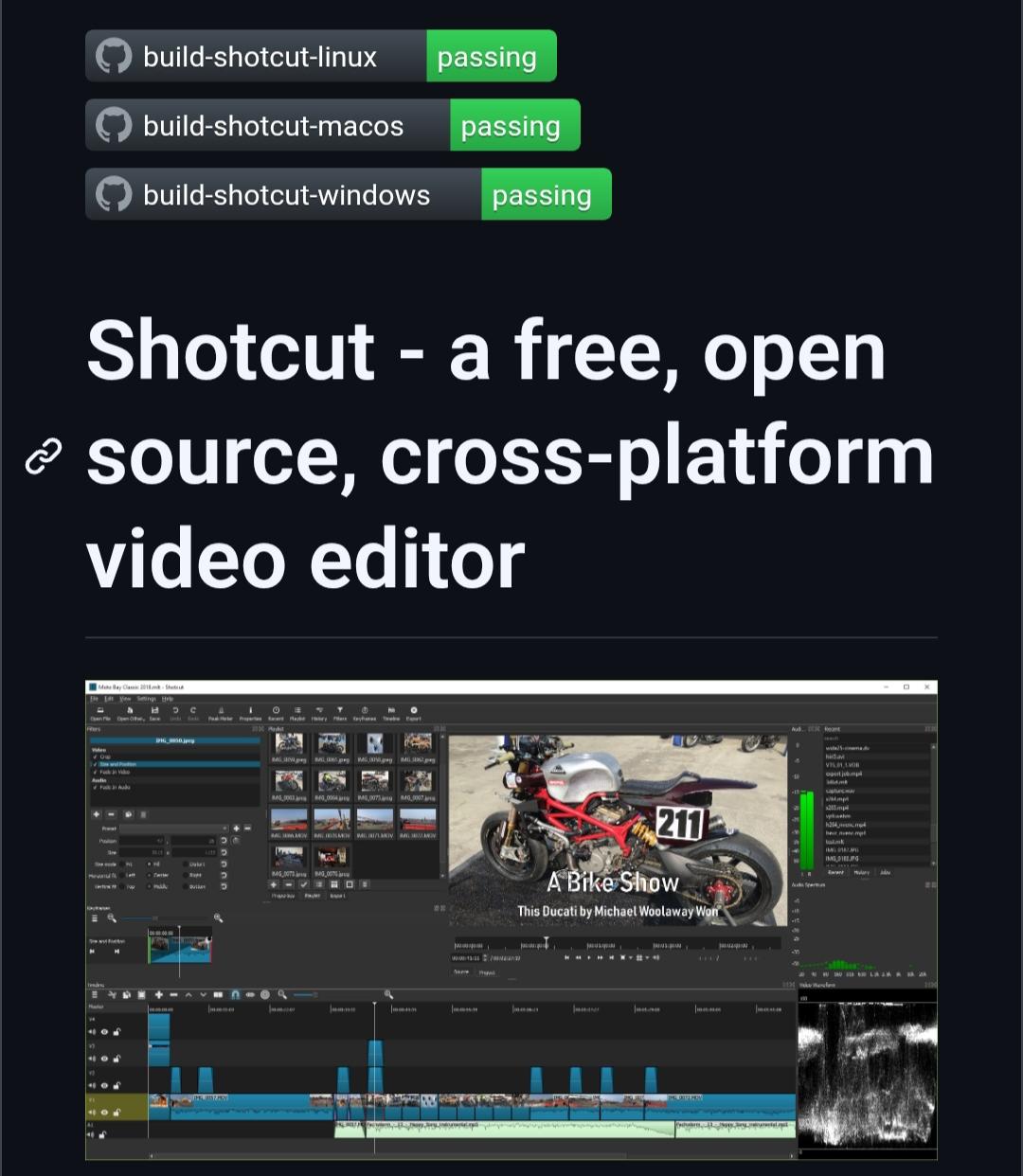
Shotcut is a free and open-source video editor for Windows, Linux, and macOS.
It offers timeline editing, filters, transitions, audio tools, hardware encoding, and support for hundreds of formats via FFmpeg.
A privacy-friendly alternative to Premiere Pro, Filmora, and CapCut, no subscriptions, no lock-in, and no watermarks.
More details: https://digitalescapetools.com/tools/tool.html?id=shotcut
#OpenSource #VideoEditing #Privacy #Linux #Windows #macOS #FOSS
Alt...
Screenshot of the Shotcut project page. At the top are build status badges showing successful builds for Linux, macOS, and Windows. Below, a large heading describes Shotcut as a free, open-source, cross-platform video editor. The page includes a screenshot of the Shotcut interface, showing a video editing workspace with media bins, preview window, timeline tracks, audio meters, filters, and waveform displays. The preview displays a motorcycle video project titled “A Bike Show,” demonstrating Shotcut’s professional editing capabilities.
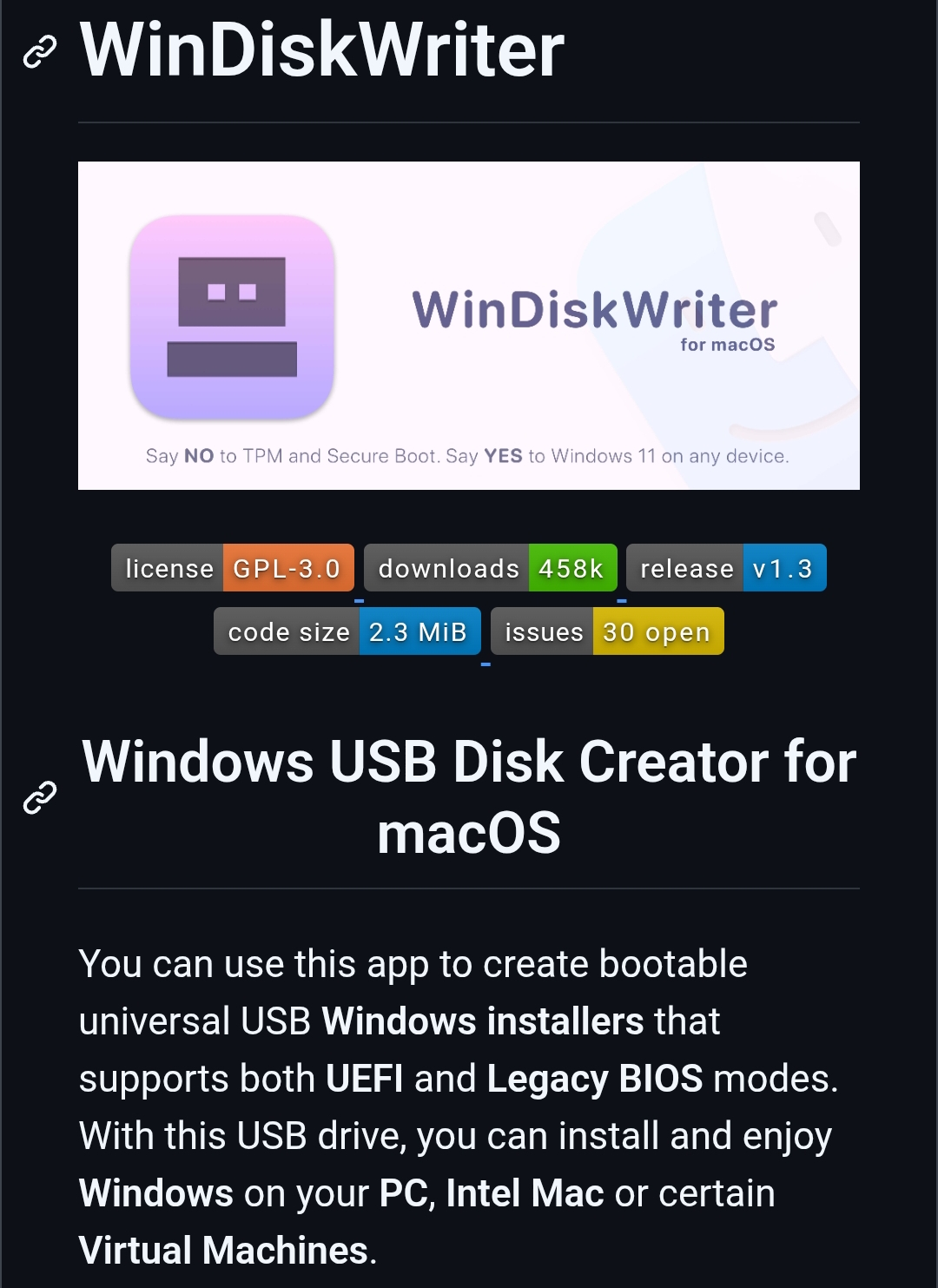
WinDiskWriter a free and open-source macOS tool for creating bootable Windows USB installers.
It supports Windows 11/10/8.1/8/7, and Vista, works on both Intel and Apple Silicon Macs, and can automatically handle large install.wim files, EFI booting, and Legacy BIOS compatibility.
A handy tool for Mac users who need to install or repair Windows without using Microsoft's Media Creation Tool.
More details: https://digitalescapetools.com/tools/tool.html?id=windiskwriter
#OpenSource #macOS #Windows #USBBoot #TechTools #Privacy
Alt...
Screenshot of the WinDiskWriter project page. The page features a purple WinDiskWriter logo and banner for macOS, with the slogan “Say NO to TPM and Secure Boot. Say YES to Windows 11 on any device.” Below are project badges showing GPL-3.0 licensing, over 458,000 downloads, version 1.3, and code statistics. A section titled “Windows USB Disk Creator for macOS” explains that the tool creates bootable Windows USB installers supporting both UEFI and Legacy BIOS, allowing Windows installation on PCs, Intel Macs, and certain virtual machines.
Just read that #MacOS #Tahoe is the last one that will support Intel-based #macs, and it only supports some 2019-2020 models.
So that means that #Apple is targeting six or maybe seven years of hardware support.
That's an e-waste empire, guys.

Alt...
A ginger tabby cat looking down at us, saying "Pathetic."
#libreoffice #joplin #microsoft #office #copilot #opensource #oss #ai #linux #macOS #windows
![[?]](https://uploads.deacon.social/accounts/avatars/110/958/830/112/244/147/original/8878c6ba5ab77964.jpeg)
Question for you Apple nerds: Once Golden Gate comes out, there will still be security updates for Sequoia, right? My work MacBook Pro is controlled by corporate policies, but so far I have been able to avoid Liquid Glass because Sequoia is still a first-class citizen. After the new OS release, this will still be the case, right?
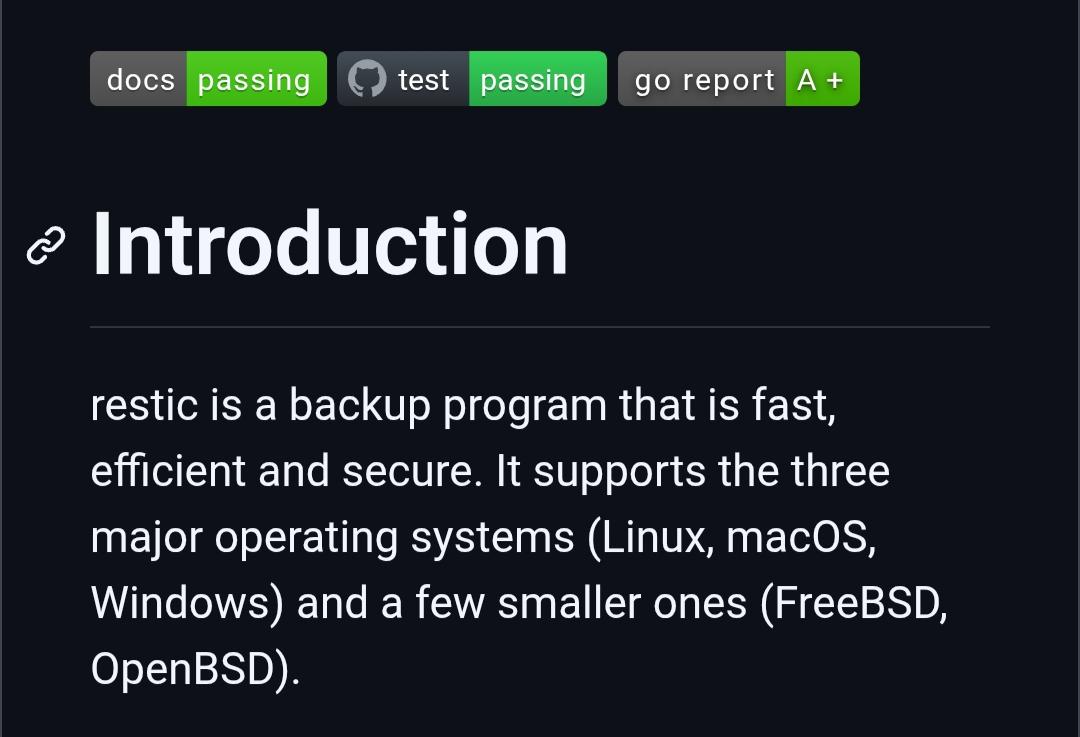
Restic is a fast, secure, and open-source backup tool for Linux, macOS, Windows, and BSD systems.
It supports encrypted backups, deduplication, snapshot versioning, and storage on local drives, SSH servers, S3, Backblaze B2, Azure, Google Cloud, rclone, and more.
Designed to make backups simple, efficient, and verifiable while keeping your data protected.
More details: https://digitalescapetools.com/tools/tool.html?id=restic
#OpenSource #Backup #Privacy #SelfHosted #Linux #Windows #macOS #DataBackup
Alt...
Screenshot of the Restic project documentation page in dark mode. The page shows an "Introduction" section describing Restic as a fast, efficient, and secure open-source backup program. The text highlights support for Linux, macOS, Windows, FreeBSD, and OpenBSD. Status badges at the top indicate documentation passing, tests passing, and an A+ Go Report Card rating.
I was making a little Mac app wrapper for talking to teletype games. Fucking Xcode.
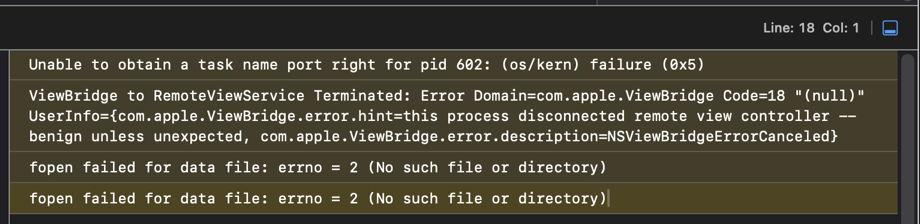
What does this ViewBridge error mean? I found a few forums where nobody knows, it's just some shit Apple does.
Obvs all my code in this is Objective-C & XIB interface, Swift is C++ with worse syntax, and hilariously not swift.
#xcode #fuckXcode #apple #macos
Alt...
Unable to obtain a task name port right for pid 602: (os/kern) failure (0x5)
ViewBridge to RemoteViewService Terminated: Error Domain=com.apple.ViewBridge Code=18 "(null)" UserInfo={com.apple.ViewBridge.error.hint=this process disconnected remote view controller -- benign unless unexpected, com.apple.ViewBridge.error.description=NSViewBridgeErrorCanceled}
fopen failed for data file: errno = 2 (No such file or directory)
fopen failed for data file: errno = 2 (No such file or directory)
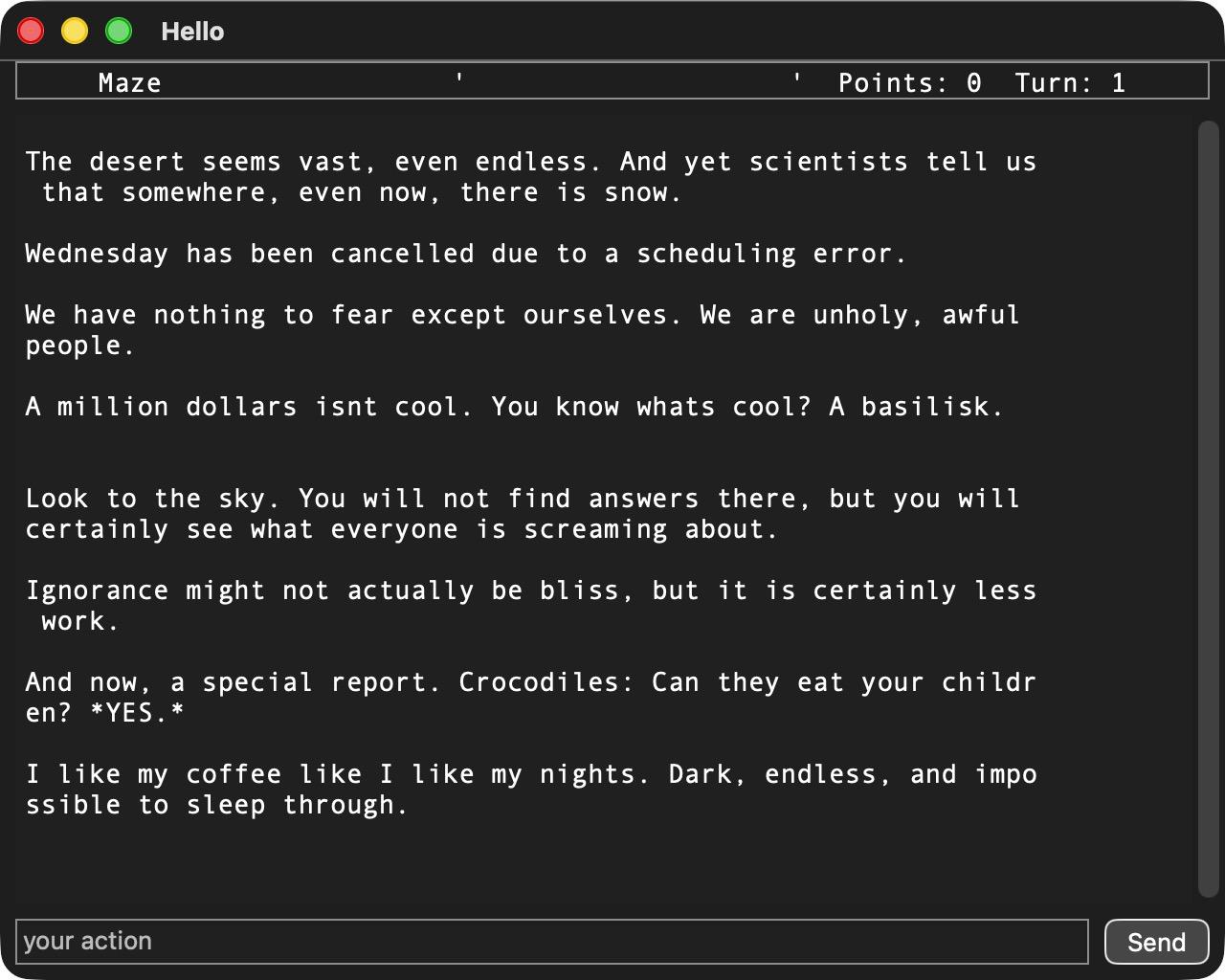
Making progress, at least. I could make it word-wrap, but that's not authentic and often not wanted. As always with fonts, fuck fonts, impossible to get reasonable sizing for anything, so best guess.
#xcode #fuckXcode #macos #nightvale
Alt...
Hello
Maze Points: 0 Turn: 1
<many weird Night Vale quotes>
![[?]](https://social.heise.de/__virtual/accounts/avatars/112/881/119/160/228/266/original/baf7ad72ec92f728.jpg)
macOS 27: Intel users annoyed by end of support
Apple fixes many blunders of its predecessor with macOS 27. But unfortunately, Intel users have to stick with the old version.
Proton launched Proton Drive CLI for Windows, macOS, and Linux, bringing encrypted file management, sharing, and automation to the terminal. 💻
Built on the new Drive SDK, the tool supports scripting and backups while using the same end-to-end encryption as Proton Drive apps. 🔐
🔗 https://proton.me/blog/proton-drive-cli
#TechNews #Proton #ProtonDrive #CLI #Linux #OpenSource #Privacy #Encryption #CloudStorage #Security #Terminal #DevOps #SelfHosting #Technology #FOSS #Windows #MacOS #SDK
![[?]](https://soc.octade.net/octade/s/3f7f2b5eda4e392867c301c49c2daa16.png)
Inform your friends and family about these tools.
#Briar ... https://briarproject.org
"Censorship-resistant peer-to-peer messaging that bypasses centralized servers. Connect via Bluetooth, Wi-Fi or Tor, with privacy built-in."
#Retroshare ... https://retroshare.cc
"Retroshare establish encrypted connections between you and your friends to create a network of computers, and provides various distributed services on top of it: forums, channels, chat, mail... Retroshare is fully decentralized, and designed to provide maximum security and anonymity to its users beyond direct friends. Retroshare is entirely free and open-source software. It is available on #Android, #Linux, #MacOS and #Windows. There are no hidden costs, no ads and no terms of service."
#RicochetRefresh ... https://www.ricochetrefresh.net
"Ricochet Refresh is an open-source project to allow private and anonymous instant messaging."
#OnionShare ... https://onionshare.org
"OnionShare is an open-source tool that lets you securely and anonymously share files, host websites, and chat with friends using the Tor network."
#DeltaChat ... https://delta.chat
"Delta Chat is a decentralized and secure messenger app."
#Bitmessage ... https://bitmessage.org
"Bitmessage is a P2P communications protocol used to send encrypted messages to another person or to many subscribers. It is decentralized and trustless, meaning that you need-not inherently trust any entities like root certificate authorities. It uses strong authentication which means that the sender of a message cannot be spoofed, and it aims to hide "non-content" data, like the sender and receiver of messages, from passive eavesdroppers like those running warrantless wiretapping programs."
#TorBrowser ... https://www.torproject.org/download
"Protect yourself against tracking, surveillance, and censorship."
"The Invisible Internet Project (I2P) is a fully encrypted private network layer. It protects your activity and location. Every day people use the network to connect with people without worry of being tracked or their data being collected. In some cases people rely on the network when they need to be discrete or are doing sensitive work."
#Hyphanet ... https://www.hyphanet.org/
"Hyphanet is peer-to-peer network for censorship-resistant and privacy-respecting publishing and communication. The original Freenet."
#BitChan ... https://github.com/813492291816/BitChan
"BitChan is a decentralized anonymous imageboard inspired by BitBoard and built on top of Bitmessage with Tor, I2P, and GnuPG."
#DarkMX ... https://darkmx.app
"DarkMX is a new decentralized communication app that utilizes Tor hidden services to allow you to easily have an anonymous, reliable, and censorship-resistant presence on the internet. You can chat. You can share files. You can search other people's files. You can keep a contact list and send private messages to your friends. You can create your own custom .onion site, available to anyone with a Tor Browser."
#Decentralized #TOR #AntiSurveillance #Anonymity #Anonymous #Privacy #Filesharing #Networking #Communication #P2P #F2F #PeerToPeer #Censorship #AntiCensorship #FreeSpeech